Straight-through processing of business-critical documents
Content from documents entering through any channel, in any format, is automatically extracted, understood, and delivered, removing manual processing friction.
ABBYY FlexiCapture

More than an intelligent data capture and extraction solution. FlexiCapture brings together the best artificial intelligence (AI), natural language processing (NLP), machine learning (ML), and advanced recognition capabilities into a single, enterprise-scale document automation platform to transform all the data from your business documents.
By putting the power of document processing automation in businesses’ hands, FlexiCapture enables global organizations to achieve faster onboarding, touchless processing, lower costs, and greater visibility into processes. Explore FlexiCapture specifications, including formats and languages, servers, stations, virtual environments.

Enterprise document automation starts with a comprehensive, purpose-built AI platform for acquiring, processing, validating, and delivering the right data into critical processes.
Learn more about ABBYY FlexiCapture product availability, technology, architecture and customization capabilities.








efficiency increase
RPA risks
digital transformation

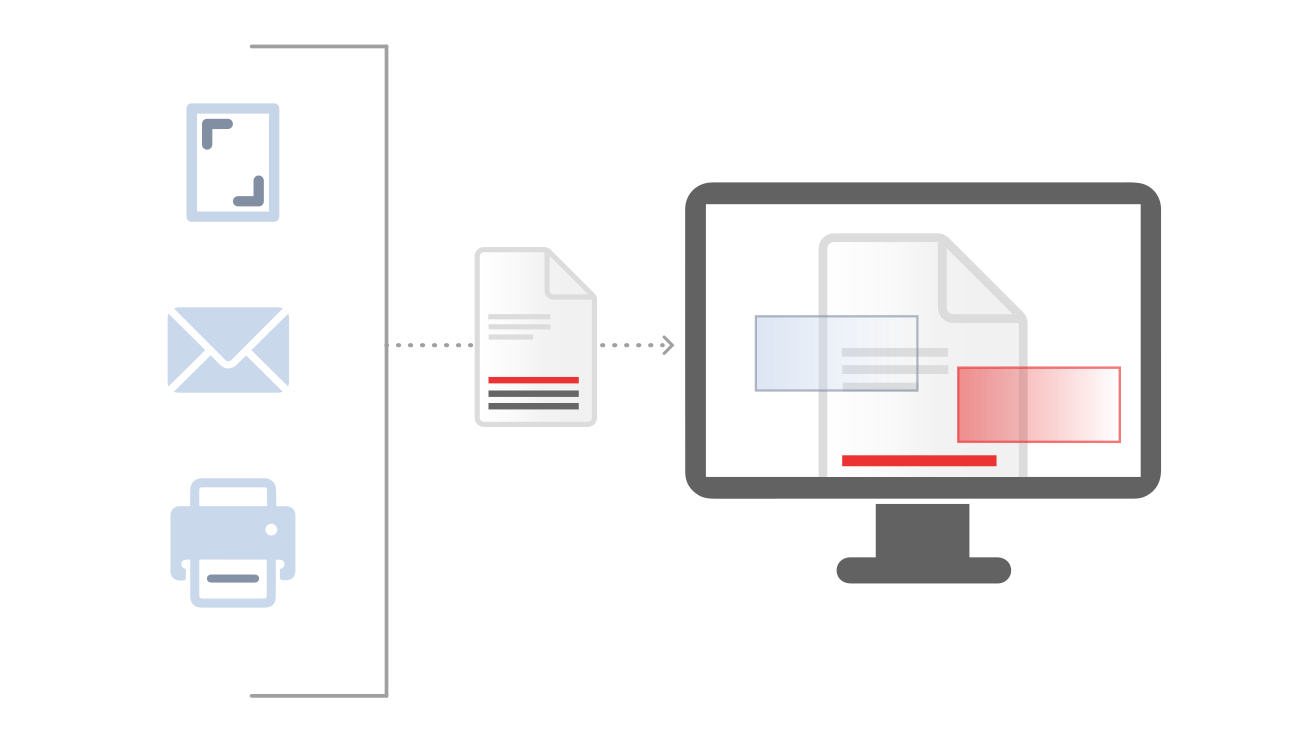
Document images are assembled into multi-page document sets.
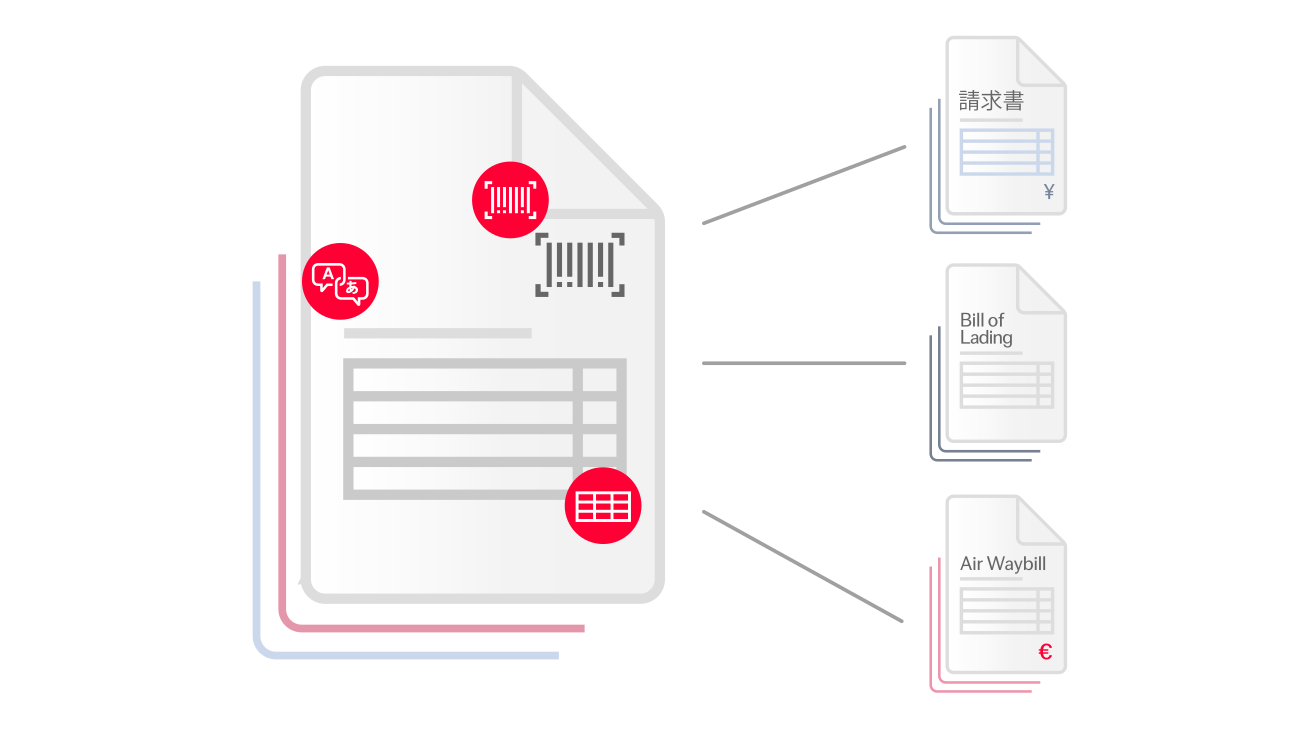
Verification station allows checking if extracted fields match those of the original document.
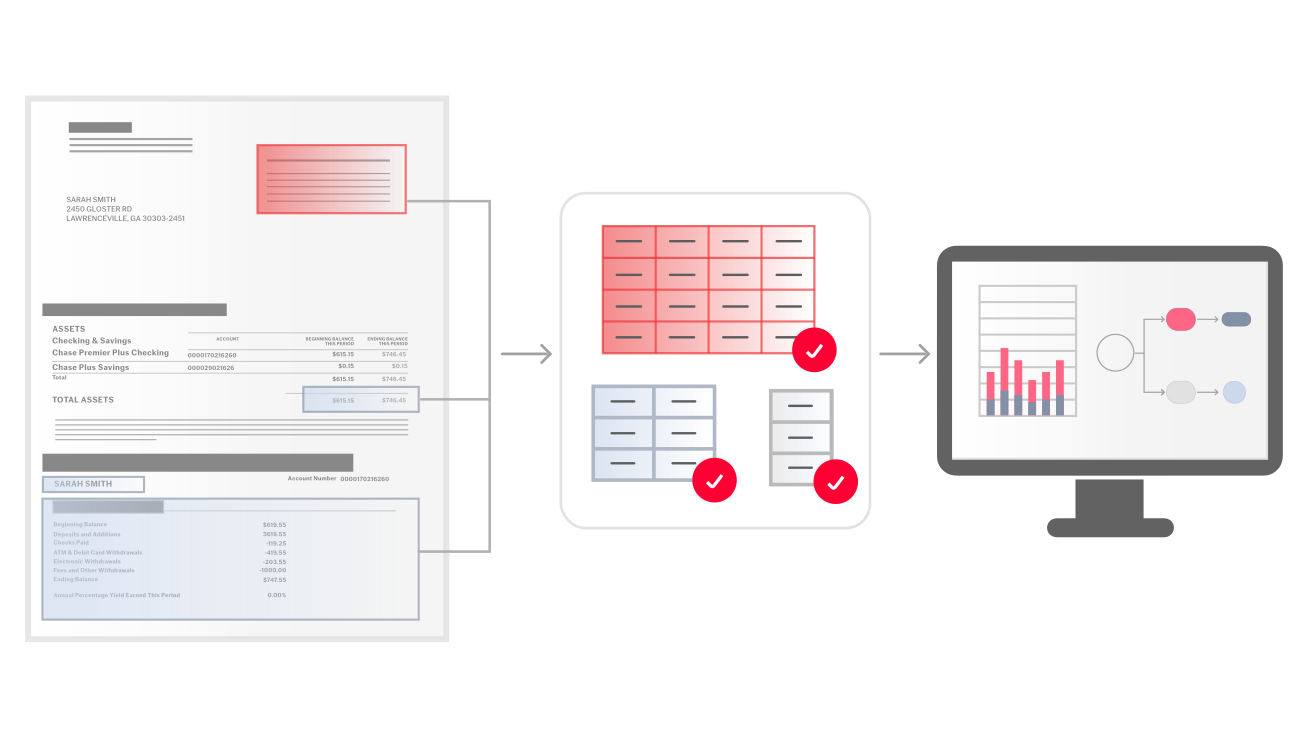
With FlexiCapture, it is easy to create applications that meet the requirements of specific internal or outsourced business scenarios. FlexiCapture customization scripts and web service API enable companies to tailor processing stages and data routing to suit your specific needs.





Explore why ABBYY is recognized as a leader in Intelligent Document Processing.

Your AP team can conquer the most complex invoices and achieve touchless processing with ABBYY’s AI-powered solution.

Discover how ABBYY’s purpose-built AI transforms data into actionable insights, driving efficiency and innovation.


Schedule a demo and see how ABBYY intelligent automation can transform the way you work—forever.
Explore why ABBYY is recognized as a leader in Intelligent Document Processing.
Your AP team can conquer the most complex invoices and achieve touchless processing with ABBYY’s AI-powered solution.
Discover how ABBYY’s purpose-built AI transforms data into actionable insights, driving efficiency and innovation.
Explore why ABBYY is recognized as a leader in Intelligent Document Processing.
Your AP team can conquer the most complex invoices and achieve touchless processing with ABBYY’s AI-powered solution.
Discover how ABBYY’s purpose-built AI transforms data into actionable insights, driving efficiency and innovation.
Explore why ABBYY is recognized as a leader in Intelligent Document Processing.
Your AP team can conquer the most complex invoices and achieve touchless processing with ABBYY’s AI-powered solution.
Discover how ABBYY’s purpose-built AI transforms data into actionable insights, driving efficiency and innovation.
