Select Region
Global Web Site - English
North America - English
Western Europe - English
Western Europe - Deutsch
Western Europe - Français
Russia - Русский
Ukraine - Русский
China - 中文
Brazil - Português
ABBYY Recognition Server consists of several components, which can be installed on the same or on different computers in a LAN. The main components are:
The document conversion process in Recognition Server can be divided into six logical parts:
Scanning Station
Scanning Station provides functionality for batch scanning and preparation of images for further processing:
Import from network/FTP folders
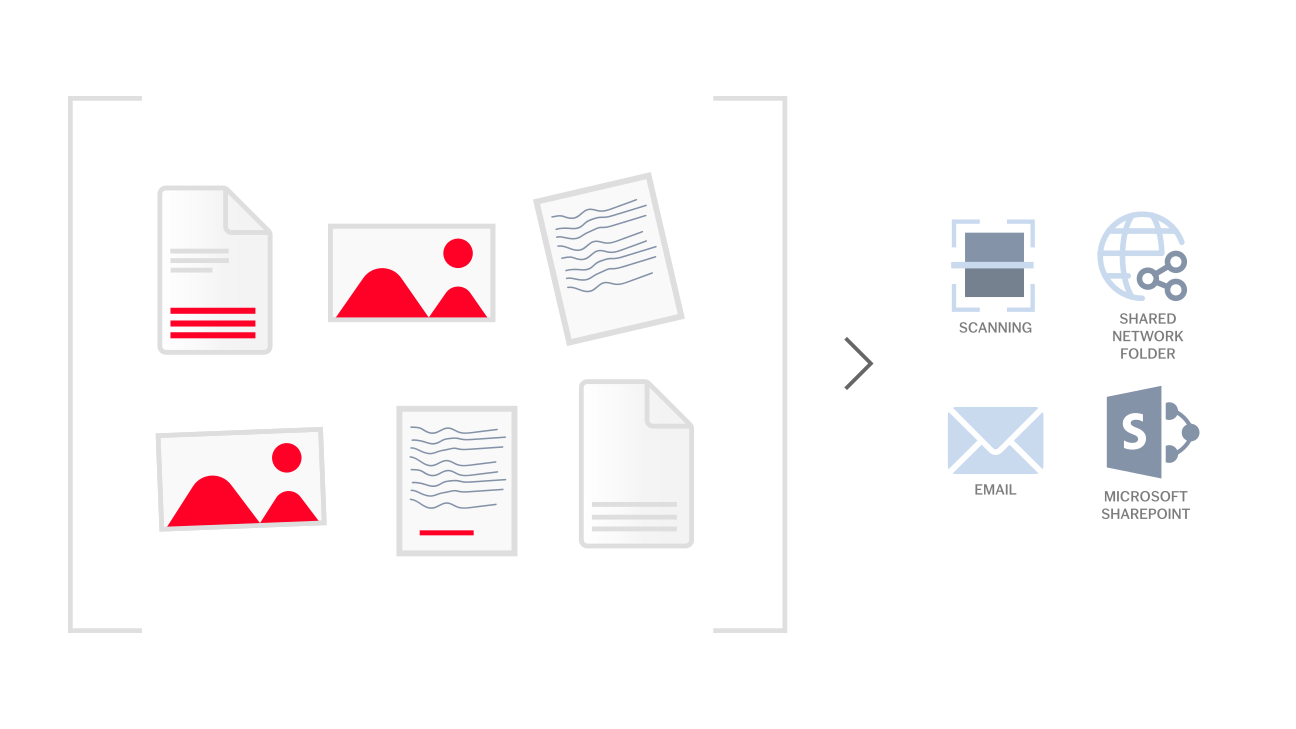
ABBYY Recognition Server can automatically import images from the following network resources:
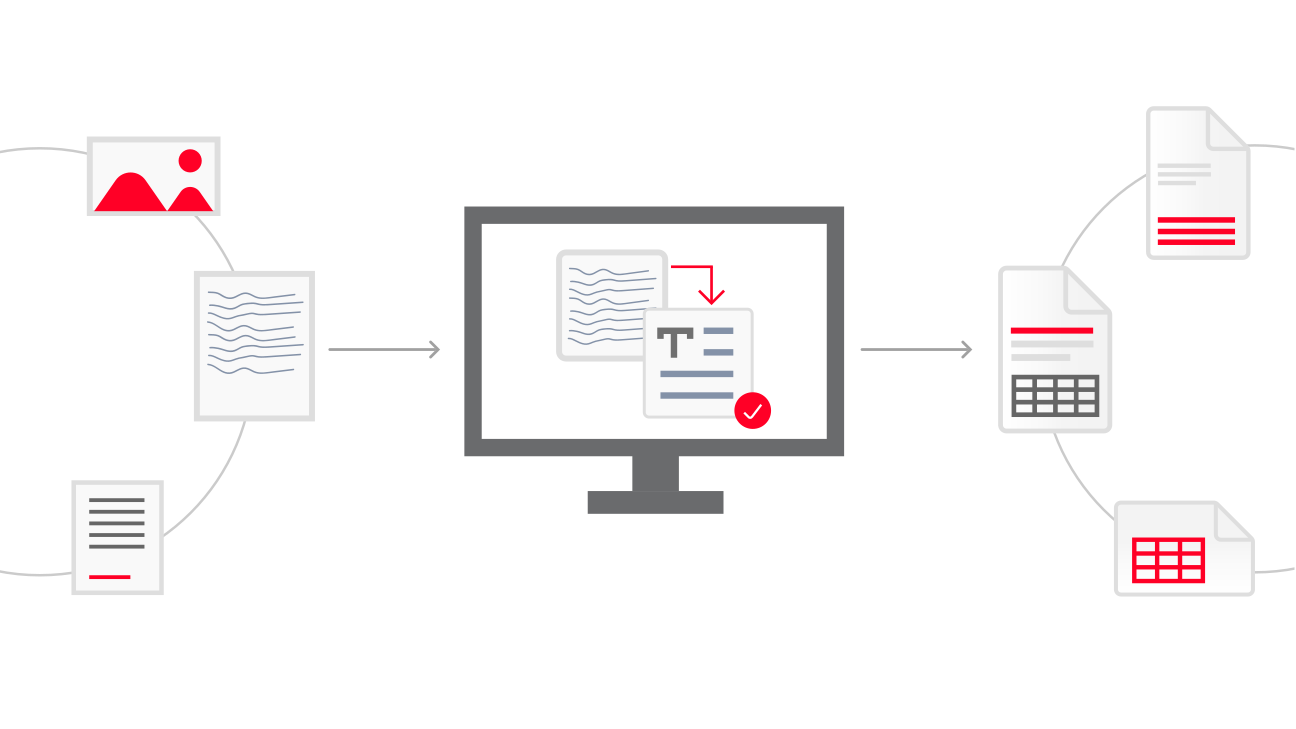
OCR is done on a Processing Station automatically. It is possible to connect several computers to the Server Manager as Processing Stations, and the Server Manager will balance the workload among these stations evenly. This will result in much faster processing of documents.
The OCR and barcode recognition technologies implemented in Recognition Server deliver unprecedented accuracy and support various types of text and the most popular 1D and 2D barcodes. The OCR process has extensive language support. The supported languages include 198 languages with Latin, Cyrillic, Greek and other scripts, Chinese, Japanese, Korean, Vietnamese, Hebrew, Yiddish, and Thai. European languages written in Gothic fonts are also supported.
To preserve the original document layout, ABBYY Recognition Server uses Adaptive Document Recognition Technology (ADRT). ADRT significantly improves document layout retention when saving documents to DOC and RTF formats. The logical structure of an entire document is reproduced, including headers, footers, footnotes, page numbers, table of contents linked to the document sections, and notes to pictures and diagrams.
Sometimes there is a need to process important documents which have to be recognized with exceptional accuracy. At the same time, the quality of the scans may not be perfect, suffering from low resolution and unwanted noise. In this case it is very important to have a reliable quality assurance mechanism.
Automatic quality control allows the administrator to set a threshold for recognition accuracy: documents with poor-quality text will not be converted, but rather stored in a separate folder for special treatment.
For images scanned in a batch, ABBYY Recognition Server offers several built-in document separation options: by blank sheets, barcode sheets, or barcodes stuck or printed on the first page of each document. Additional custom rules based on the recognized text can be created using scripting.
Document classification and indexing can be easily done with an intuitive Indexing Station that allows the operator to select a document type from the predefined list and fill in document attributes. If the attribute values are contained in the document itself, there is no need to type them in – the operator can simply outline the necessary section on the page, and the index field will be populated with the text.
Document type detection and indexing can be automated with Java or VB scripts.
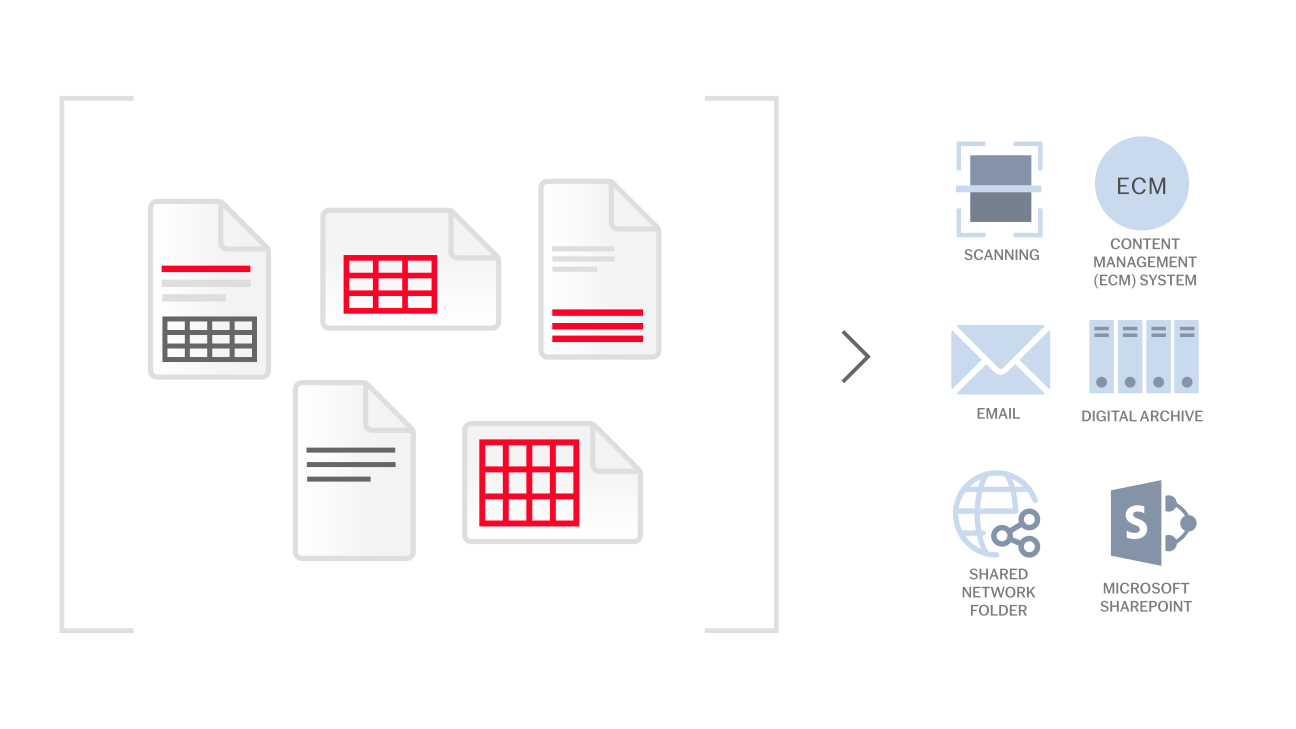
ABBYY Recognition Server saves documents in a user-defined file format and delivers them to the network folder, e-mail address, SharePoint document library or to any other destination defined in the export script.
The program supports flexible rules for naming and routing output files. For instance, a document type and attributes can be used to name an output file or folder in the most convenient manner.
Recognition Server can convert images into various kinds of searchable or editable formats: PDF, PDF/A, RTF, TXT, DOC(X), XLS(X), XML and into popular image formats: TIFF, multi-page TIFF and JPEG.
Within the PDF creation functionality, Recognition Server offers an extended set of options:
Recognition Server is administered via a convenient interface based on the Microsoft Management Console. It allows the administrator to configure the system and monitor its activity: to set processing parameters, to manage licenses, stations, user permissions, processing queues, and to view logs.
With the priority management and scheduling features, the administrator can control the order in which the documents are processed and use the stations’ hardware resources efficiently by scheduling OCR for night hours or weekends.
ABBYY Recognition Server provides an application programming interface (API) for integration with other applications. The API can be used to pass image files and processing parameters to Recognition Server, get notifications about job completion and obtain converted files.