<< Back
ABBYY Recognition Server 2.0
What's New
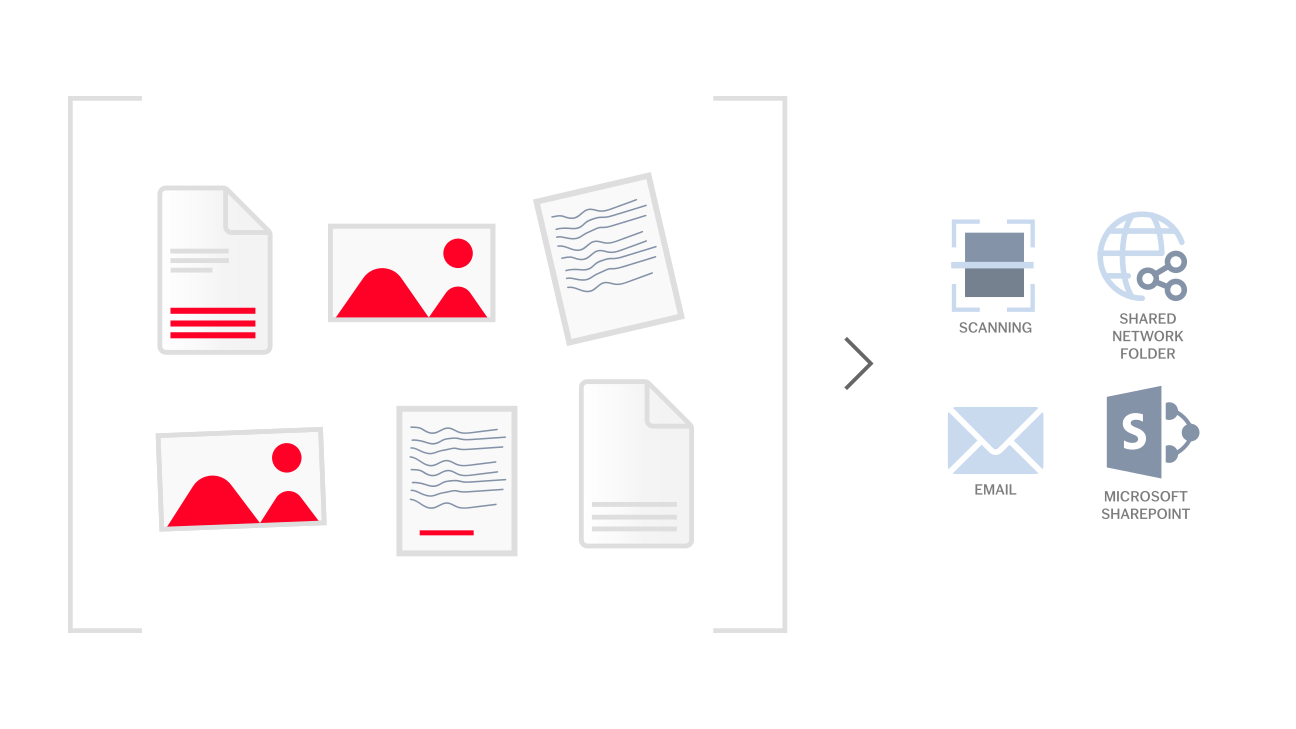
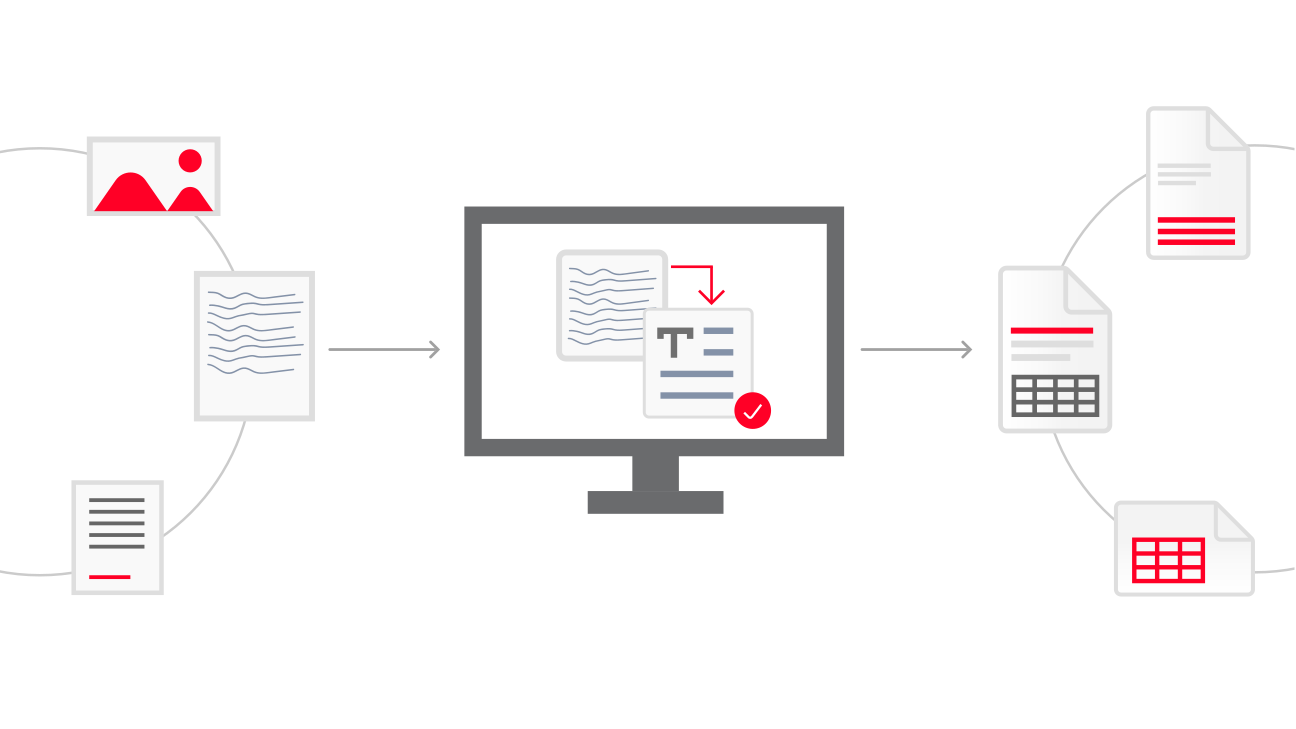
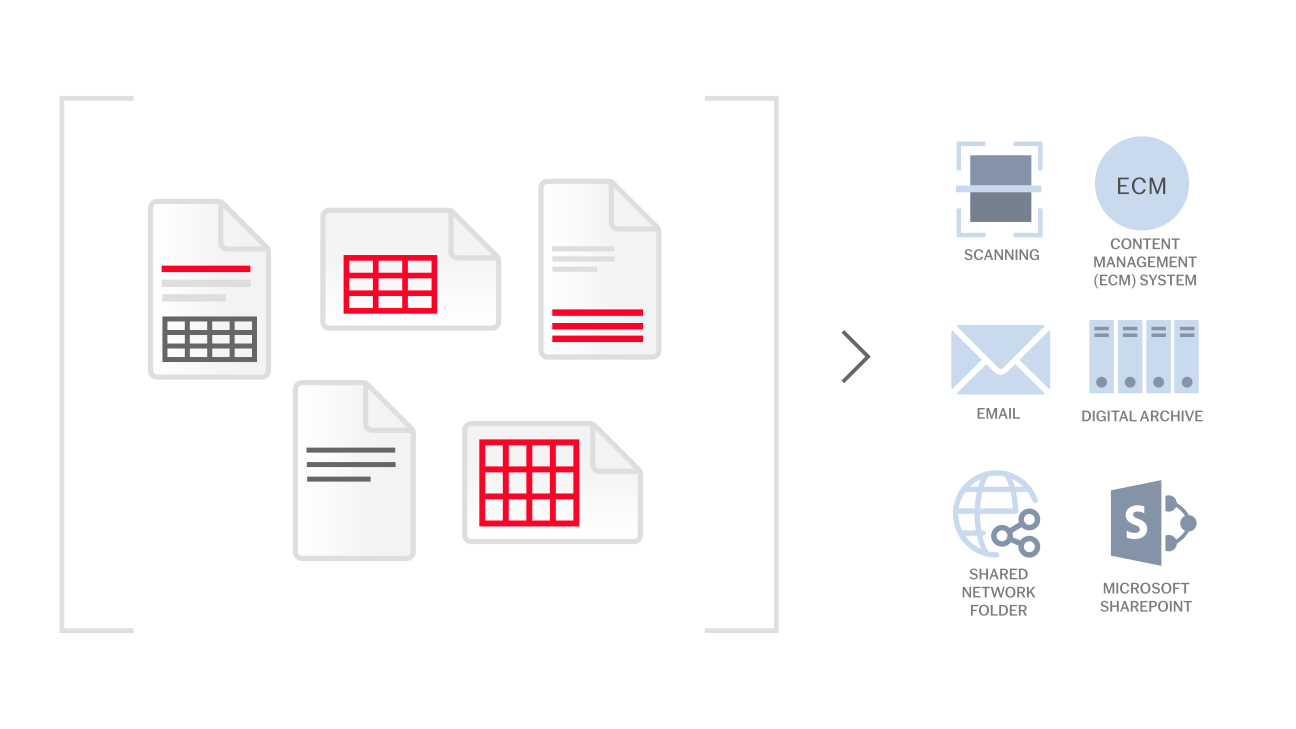
New ABBYY Recognition Server 2.0 significantly extends the compatibility with different applications and platforms due to its ability to operate as OCR Web Service. The new version also enables seamless document output to Microsoft® SharePoint® Server and document conversion via email. In addition, Recognition Server 2.0 offers powerful features to increase the efficiency of large-scale document processing projects and extended format and language support.
New features of ABBYY Recognition Server include:
- New Interface Languages — The user interface and documentation are available in 5 new languages: German, French, Italian, Spanish and Russian.
Web Service API — Enables Recognition Server to be used as a web service and makes it fully compatible with service-oriented architecture (SOA). The new OCR solution is able to communicate with applications on any platforms. The interaction with other applications is performed via HTTP, which enables integration of Recognition Server with remote applications and services over the Internet.
- Document Conversion via Email — With the added support for Microsoft Exchange Server, POP3 and SMTP email servers, Recognition Server is able to automatically process image attachments sent from email clients or network scanners and MFPs. Recognized documents can be sent back to the same user or to any other email addresses specified in the program settings.
- Export of Documents to Microsoft Office SharePoint Server — Output documents can be automatically stored in the SharePoint Server document library.
- Document Separation — Recognition Server supports several document separation methods for documents scanned in a batch. The document separation can be performed by fixed number of pages, by using blank separator pages and pages with bar codes. There is also a possibility to handle pages from each subfolder as a separate document.
- MRC PDF Compression Support — The new version delivers enhanced compression algorithm, based on Mixed Raster Content (MRC) image processing method, intended to reduce the size of PDF files while preserving their quality.
DOCX and XLSX Output — Output to Microsoft Office 2007 formats is supported. * Support for Custom Document Properties in PDF — When Recognition Server converts PDF files into searchable PDF, it retains all document properties fields that were present in the original PDF file. The administrator can also define new document properties for output PDF documents.
- Scheduling and Priority Setting for Processing Stations — The administrator can control the usage of hardware resources during a day or a week by scheduling the activity of the processing stations. The schedule can be set for individual stations or groups of stations. The administrator also can lower the priority of OCR processes on the particular processing stations, so that the stations can execute other tasks smoothly while performing OCR in a background mode.
- Customizable Output Folder and File Name — An administrator can define the name of an output document and output folder – for example, using a separator barcode value, or date and time indicators. It is also possible to define a particular destination and the file naming rules for each output format individually.
- Saving Recognition Results to FineReader Format — The results of the image analysis and recognition can be exported to internal FineReader format compatible with ABBYY FineReader Engine.
- Headers and Footers in Output PDF Files — Headers and footers can be added to output PDF and PDF/A files. Headers and footers may contain any static text, as well as page numbers, Bates numbers, the file name and the current date.
<< Back