Back to ABBYY Blog
Family Sharing, Kid’s Smartphone and Video
September 24, 2018
September 24, 2018

If all of your family members have a mobile or tablet, why not to share music or videos? We will also tell how to organize and manage your receipts, control your children’s mobile gadgets, and make a movie on phone.
We’ve said it once and we’ll say it again: Apple has created a truly remarkable ecosystem.
If all or most of your family own iOS devices, you will definitely want to check out the Family Sharing feature, which Apple is particularly proud of.
First, you’ll need to make sure that all of your Apple devices support the feature. Nothing extraordinary here—you need an iPhone, an iPad or an iPod Touch running iOS 8 or later.
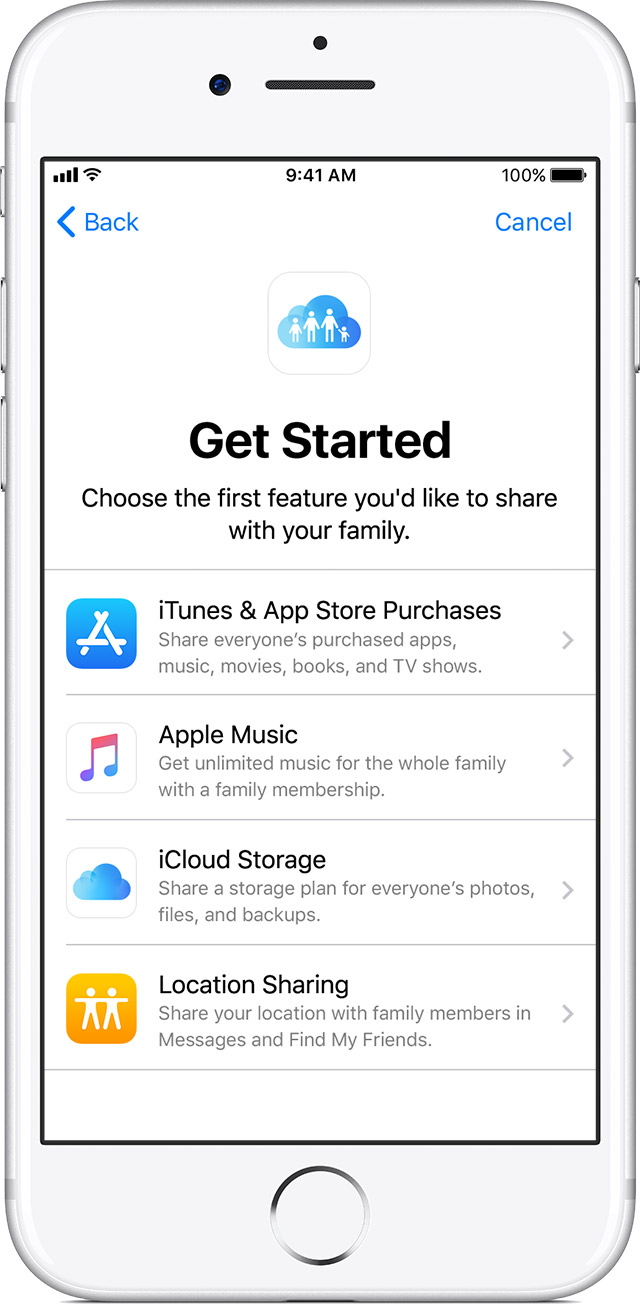
Tap Settings, then open your Apple ID, select Set Up Family Sharing → Get Started, and follow the on-screen instructions. In iOS 10.2 or earlier, tap Settings → iCloud → Set Up Family Sharing and follow the on-screen instructions.
Now add your family (note that each family member must have their own Apple ID).
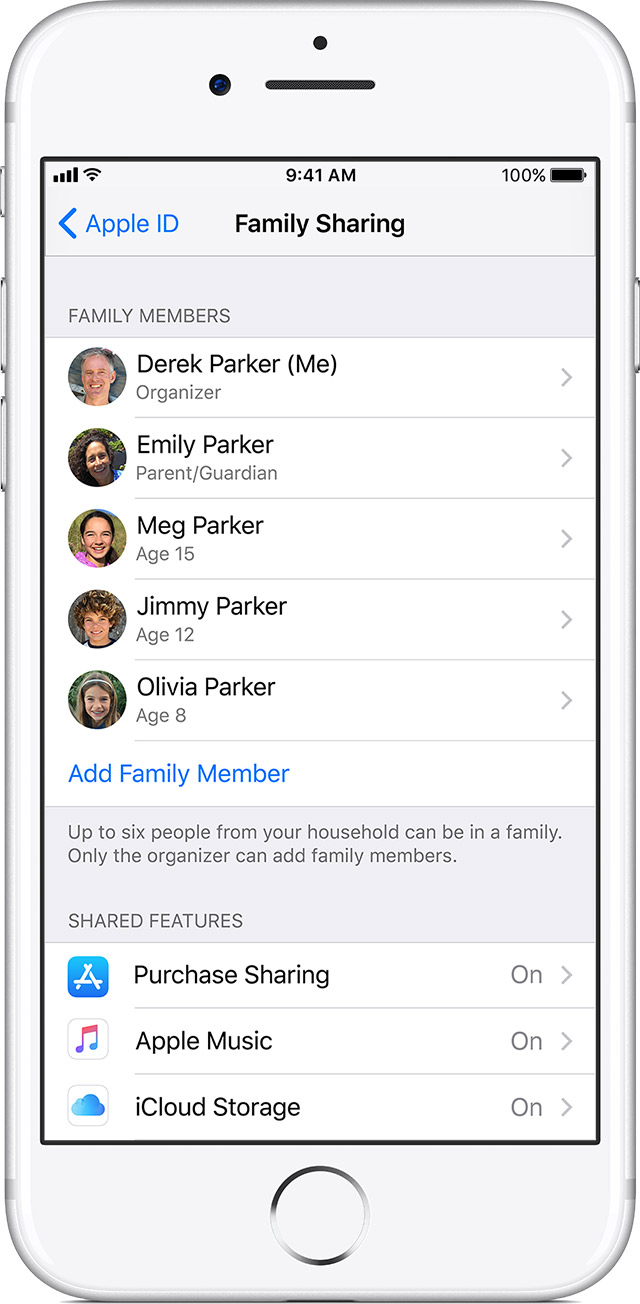
Invitations can be accepted directly from e-mail messages or from text messages. If your family member accidentally deletes an invitation, they can still accept it by tapping Settings → Apple ID → Invitations. In iOS 10.2 or earlier, they will need to go to Settings → iCloud → Invitations.
There are numerous different uses of Family Sharing, so we’ll just describe those that are used most often.
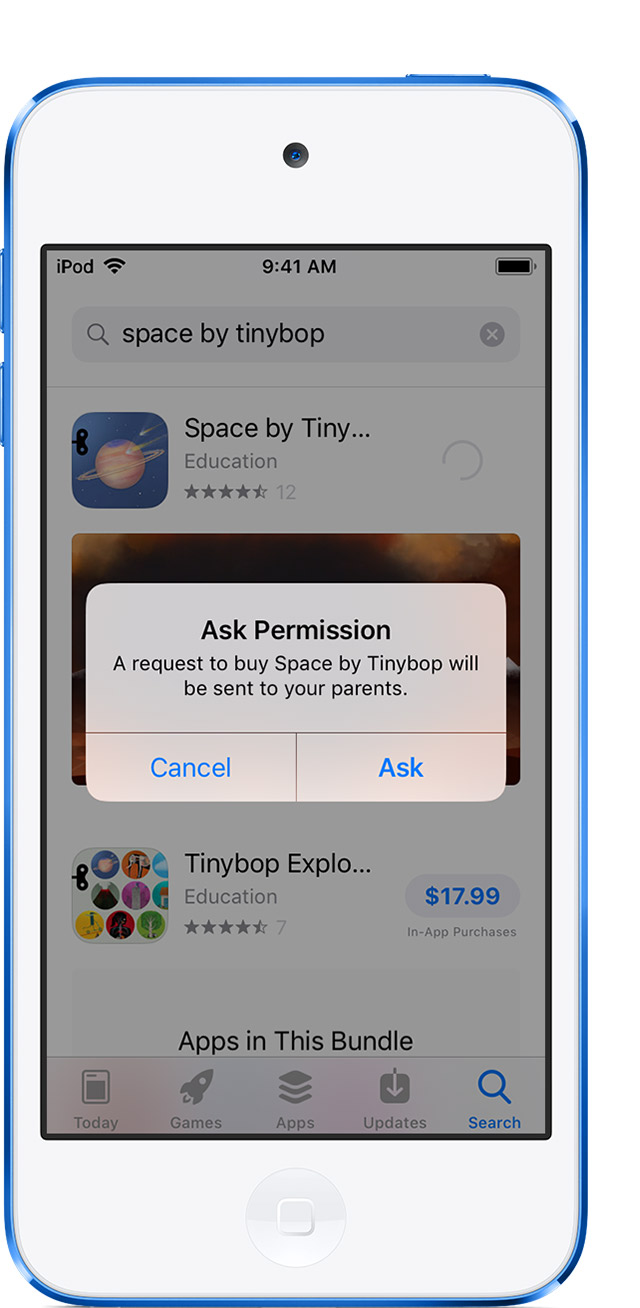
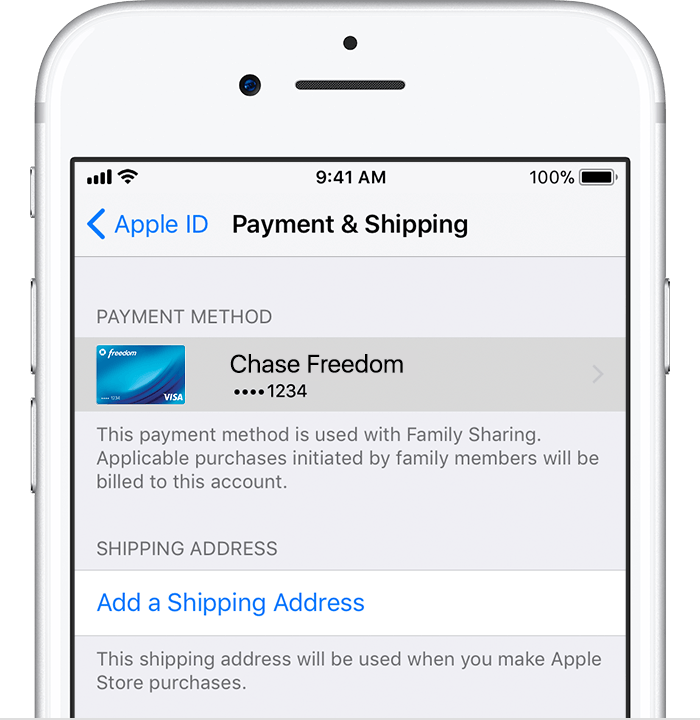
If you turn on Ask to Buy, any purchases made using this feature will have to be paid for by the organizer. You can easily change your payment method by following the usual steps required to provide your payment information:
Similar functionality is available to users of Android devices. Using the Family Groups feature, you can create Google Play Family Libraries and share with your family apps, games, books, movies, and TV shows purchased in Google Play. Up to five family members may join your family group.
To create a Family Library, complete these steps:
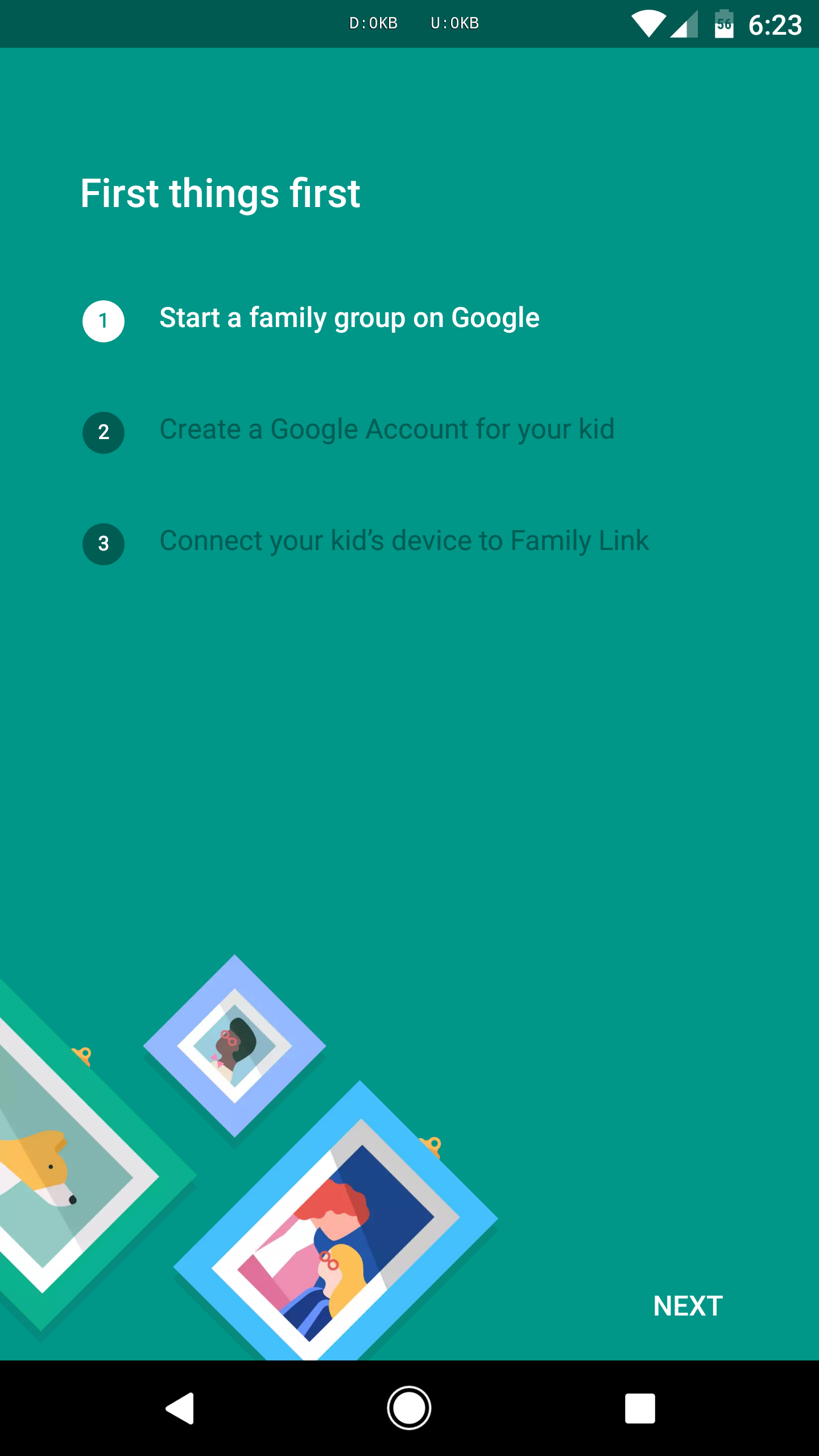
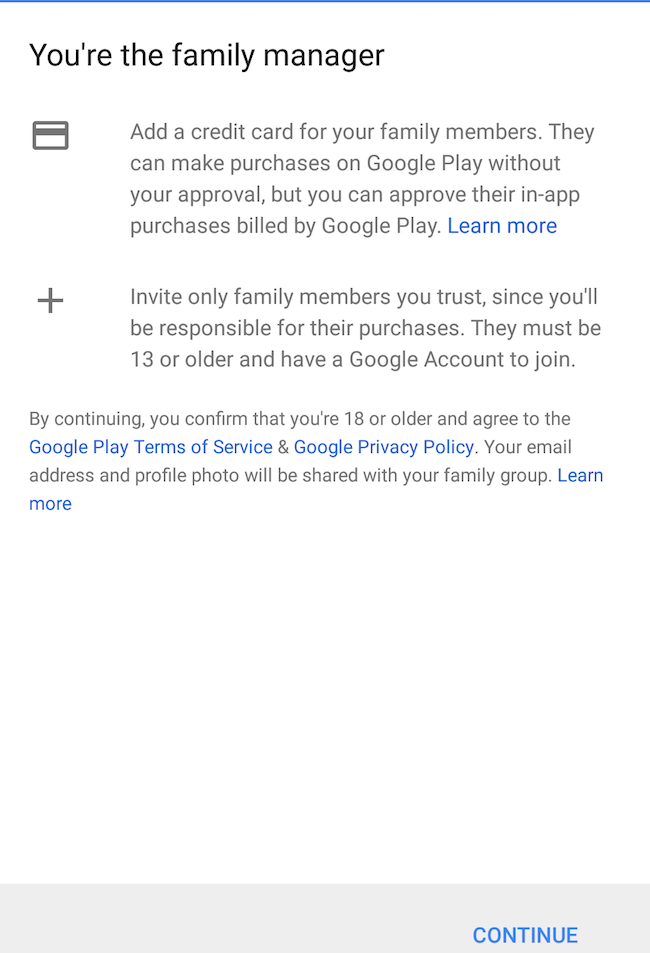
To administer a family group, you must meet the following requirements:
To be a member of a family Group, a user must:
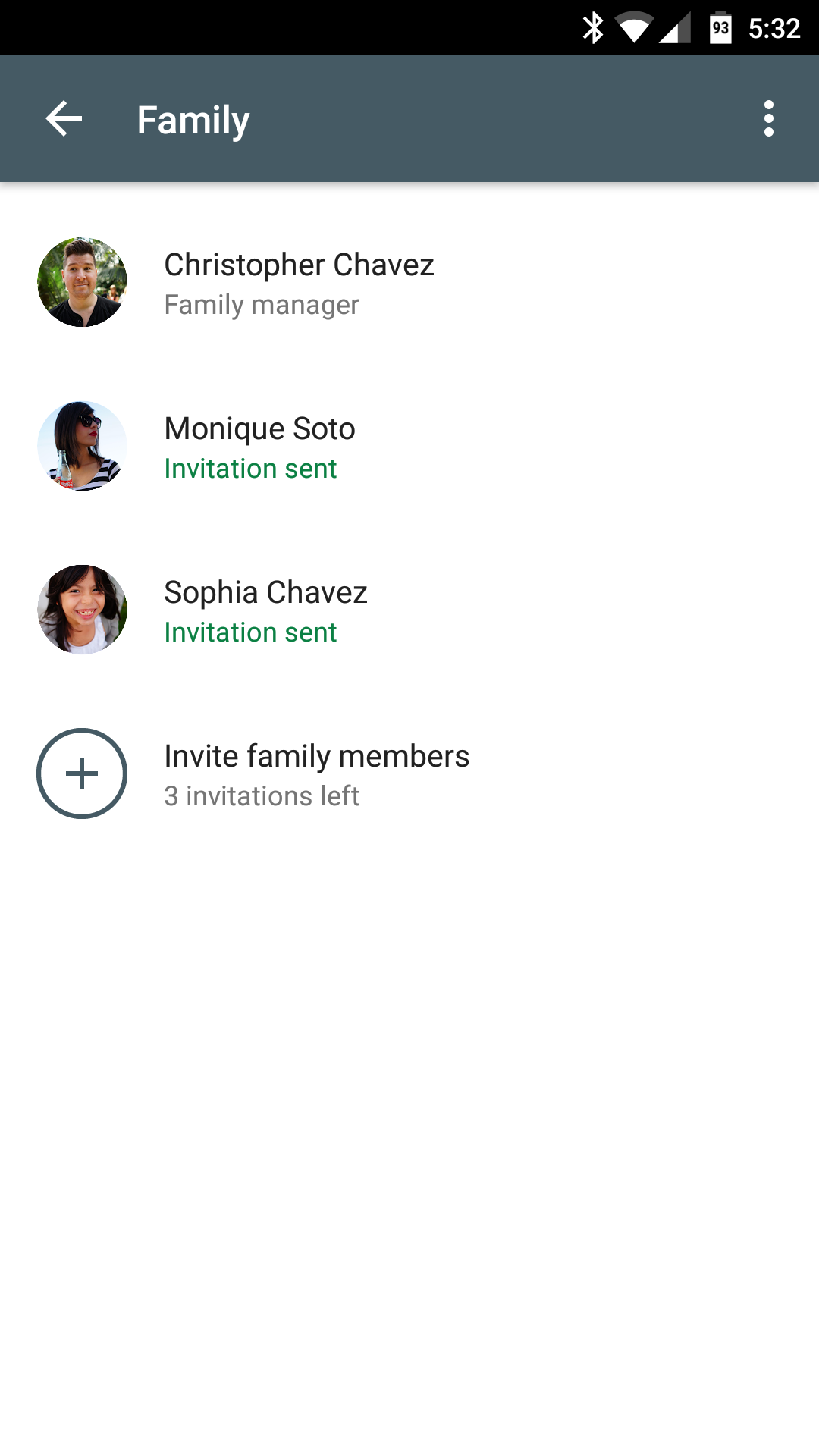
If you have ticked all the boxes, your family can enjoy all the benefits offered by your Family Library.
The administrator of the group (family manager in Android terms) will be responsible for any purchases made by their family members.
 Adding and deleting purchases
Open a desired section of the Play Store. This can be apps, games, movies and TV shows, or books. Select an item and then on the item’s page in the store, flick on the Family Library switch.
Likewise, to remove an item from your Family Library, open its page in the store and flick off the Family Library switch. The item will no longer be available to your family members.
There are certain restrictions, however.
Items that are allowed in your Family Library have a home-and-heart icon next to them. These items include:
Movies and TV shows
Apps and games
Books
Music and periodicals
Budgeting is a serious matter. Especially when it comes to your family budget. In this case, paper receipts are your primary documents confirming your purchases. Many of us collect receipts and make our calculations at the end of the month. A recent survey has revealed that many motorists put all their receipts in the cubby box in their arm rest so that they know how much they have spent on fuel.
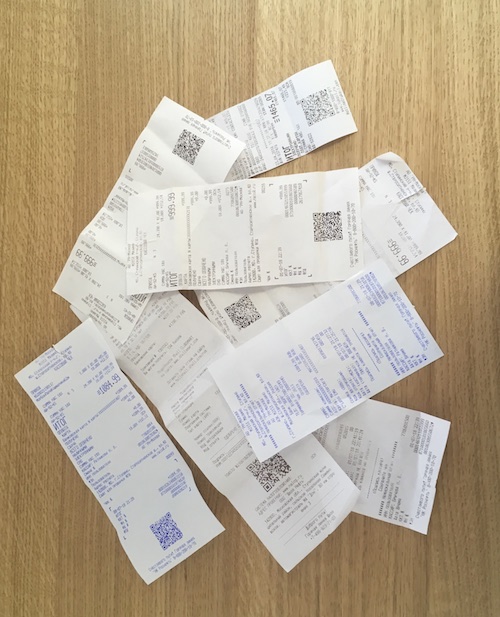
There are also the self-employed and owners of company bank cards, who are required to keep all of their receipts by law. The former need to keep their own books and the latter have to report their purchases to the company’s accounting department.
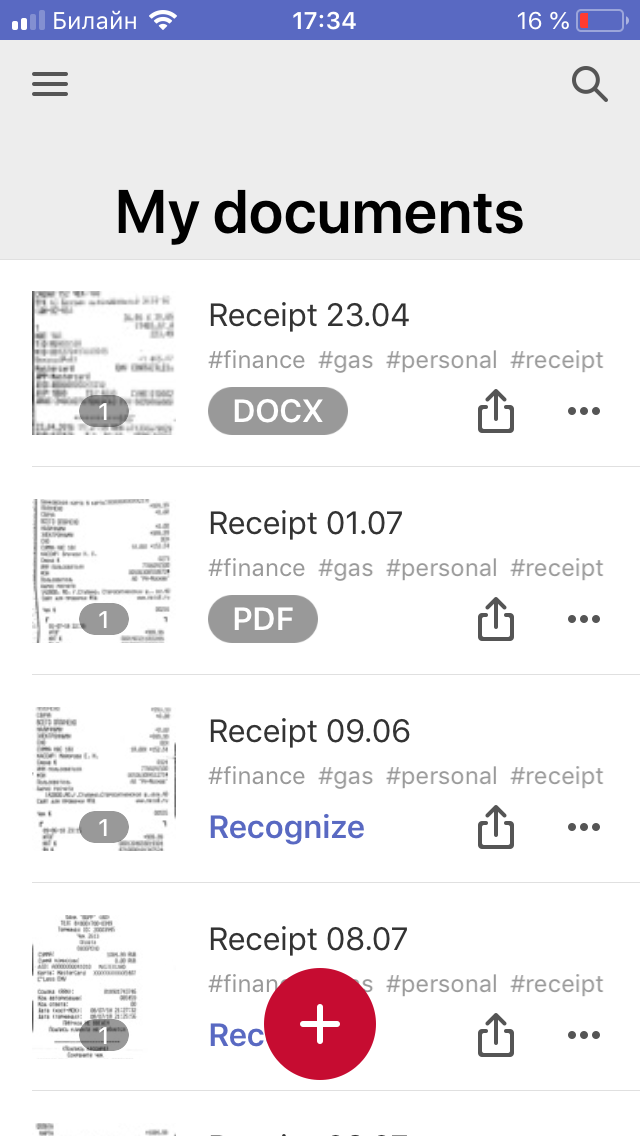
ABBYY FineScanner offers a high-tech solution to all your paper woes. Simply scan your receipts with your phone and make the app your central storage for all of your payment documents.
 Once you have scanned a receipt, you can add a tag so that you can easily find or sort your scans at the end of the month.
Unlike their parents, today’s kids spend most of their free time playing games on their phones and tablets. Gone are the days when kids used to play outside with their friends or enjoyed a family outing with their parents. Now its invariably gadgets, even in class or before going to bed.
If you think that your kid spends too much time staring into their phone, consider installing Screen Time, an app that lets you control your child’s device.
You can log in to your child’s phone from your own device to check how much time he or she has spent gaming or messaging. You can also set time limits on their phone activities.
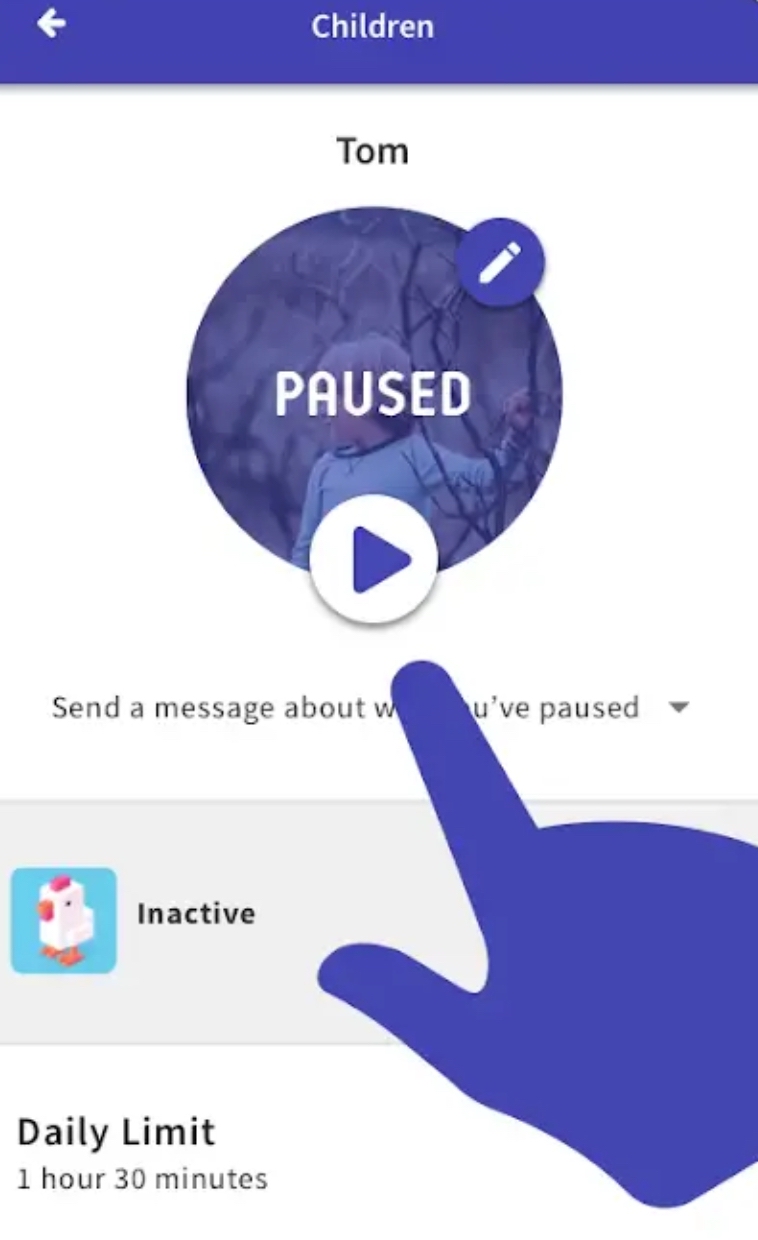
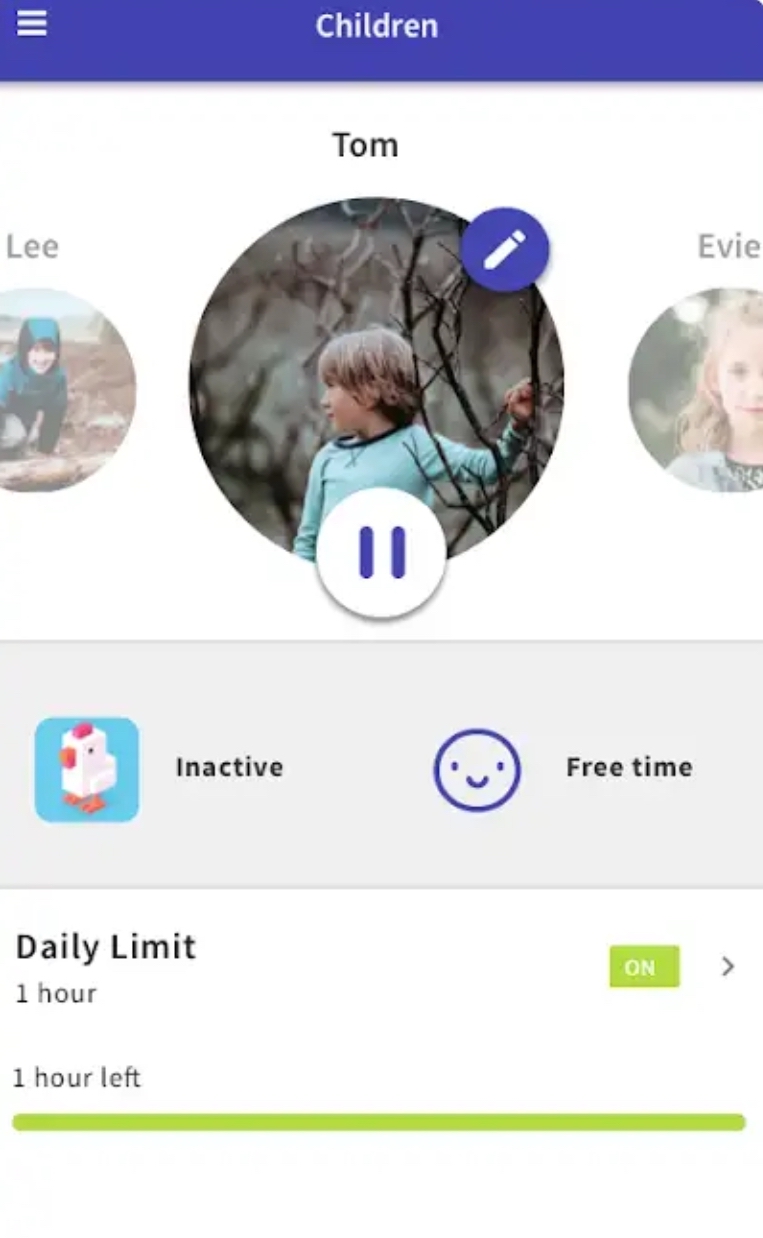 It takes just one tap to pause your child’s phone to remind them that there are other things to enjoy in life besides computer games.
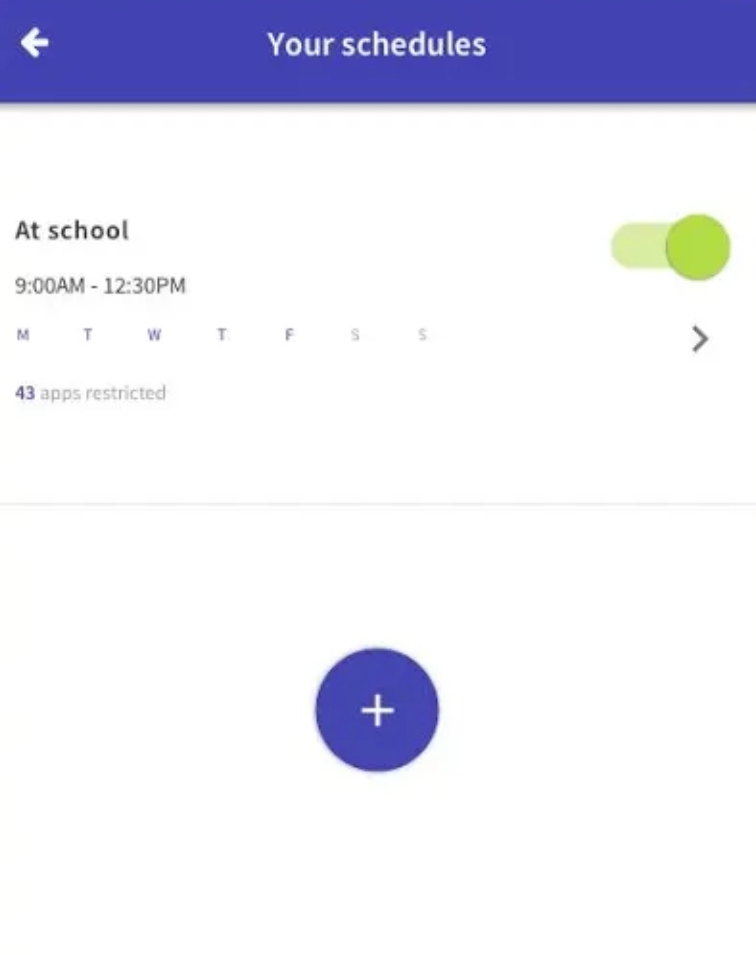
Scheduling is another useful feature which allows you to block the device for time periods when your child is at school or is playing outdoors.
The app also allows you to set tasks for your child and reward them with additional screen time when the task is completed. For example, you can ask your kid to walk the dog before they can use their phone.

Naturally, the app will show you which apps your child has used and how much time they have spent in each.
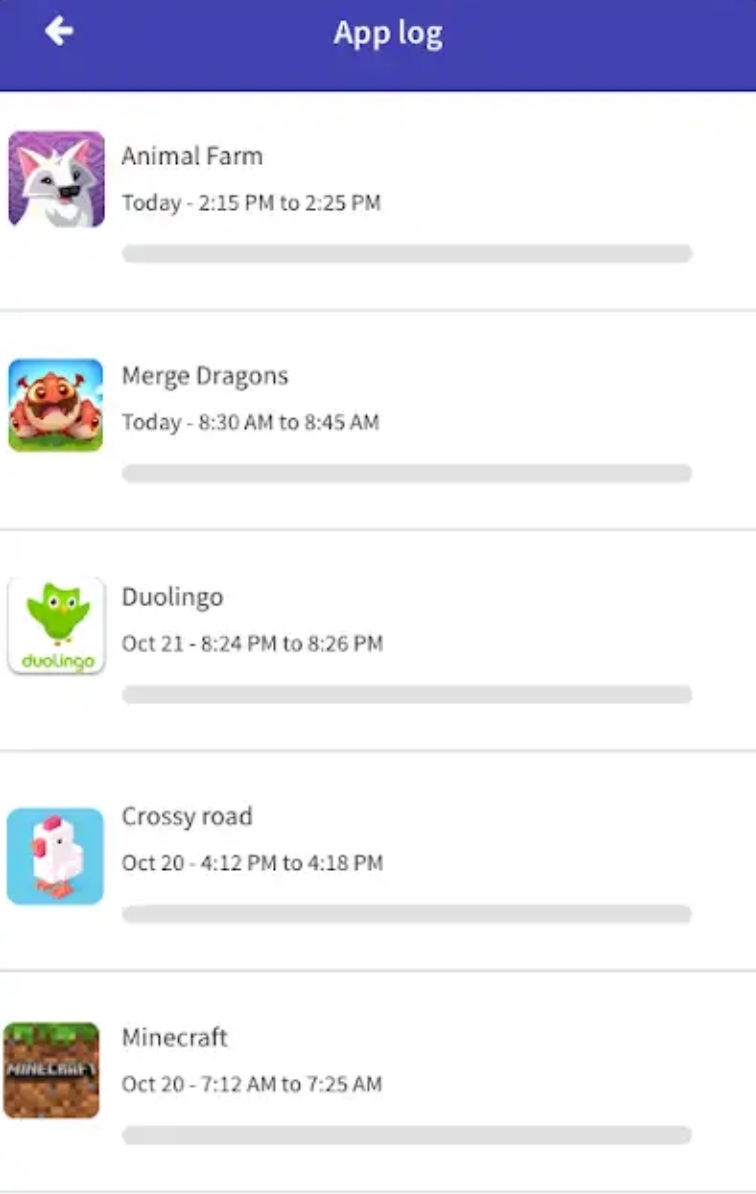 The app is not limited to any particular platform. For example, you can monitor iOS devices from and Android phone or the other way round.
We should also note that a similar feature will be available in iOS 12, which Apply is about to roll out following its presentation on September 12. It’s called Screen Time and tells you how much time you have spent in each app on your device. You can also set time limits for apps, so that they become unavailable after you have spent too much time in them. You can unlock a blocked app with a pass code to make it active for an extra five minutes, after which it will be locked again. The phone will even count how many times you have picked it up or how many notifications you have received from each app. But all this magic is only available to users of iOS devices.
By Lidia Kuznetsova, Designer
 How to make a movie with your mobile phone
With huge advances in photo and video technology, anyone can be a film maker today. You no longer need a bulky camera on a sturdy tripod to shoot in high def. Your mobile phone has a built-in camera which can produce video fit for the big screen.
There are many advantages to mobile movie making
Ready to be a script writer, a director, and a camera man all in one?
Then here’s a few tips:
Good lighting and good luck!
See you next Monday
