
Back to ABBYY Blog
WatchOS, Wear OS, and 60 FPS
October 22, 2018
Smart watches are becoming increasing popular. With each new update, they become even smarter and more versatile. In this issue, we will talk about the key new features and tell the news about 60 FPS support in the latest BCR.
WatchOS Tips: What’s New in Watch OS 5
If you’re still in two minds about whether to update your Apple Watch to the latest, fifth, version of watchOS, here’s several reasons why you should. If you don’t own an Apple Watch yet, read on to see if you need one.
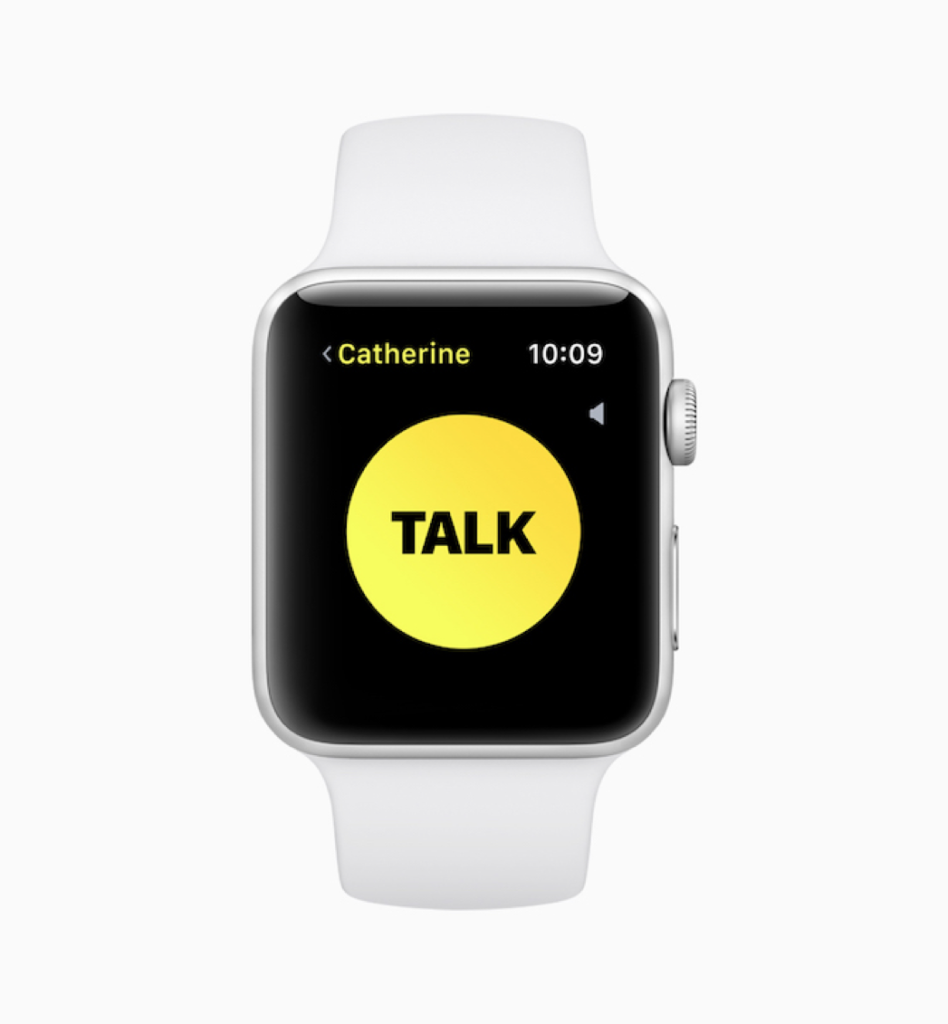
Walkie-talkie
Now you can use your watch as a portable two-way radio. Technically, it’s not a radio, of course, but the mode of operation is identical: you press the button to speak, you release the button to listen. Each speaking session is limited to just 10 seconds, which should be sufficient for small messages.
Your voice will be transmitted over the Internet, which means your iPhone must be connected to a Wi-Fi or cellular network.
The walkie-talkie feature is a good option when you have something to say to your family or friends which does not warrant a phone call (e.g. “Please buy X on your way home”, “Where are you?” etc.). Naturally, they must also have an Apple Watch to receive your “radio” calls.
What you need for the feature to work:
- Your and your contact’s iPhones must run iOS 12
- You need Apple Watch Series 1 or newer
- Your and your contact’s watches must run watchOS 5
- Your and your contact’s iPhones must be connected to a Wi-Fi or cellular network
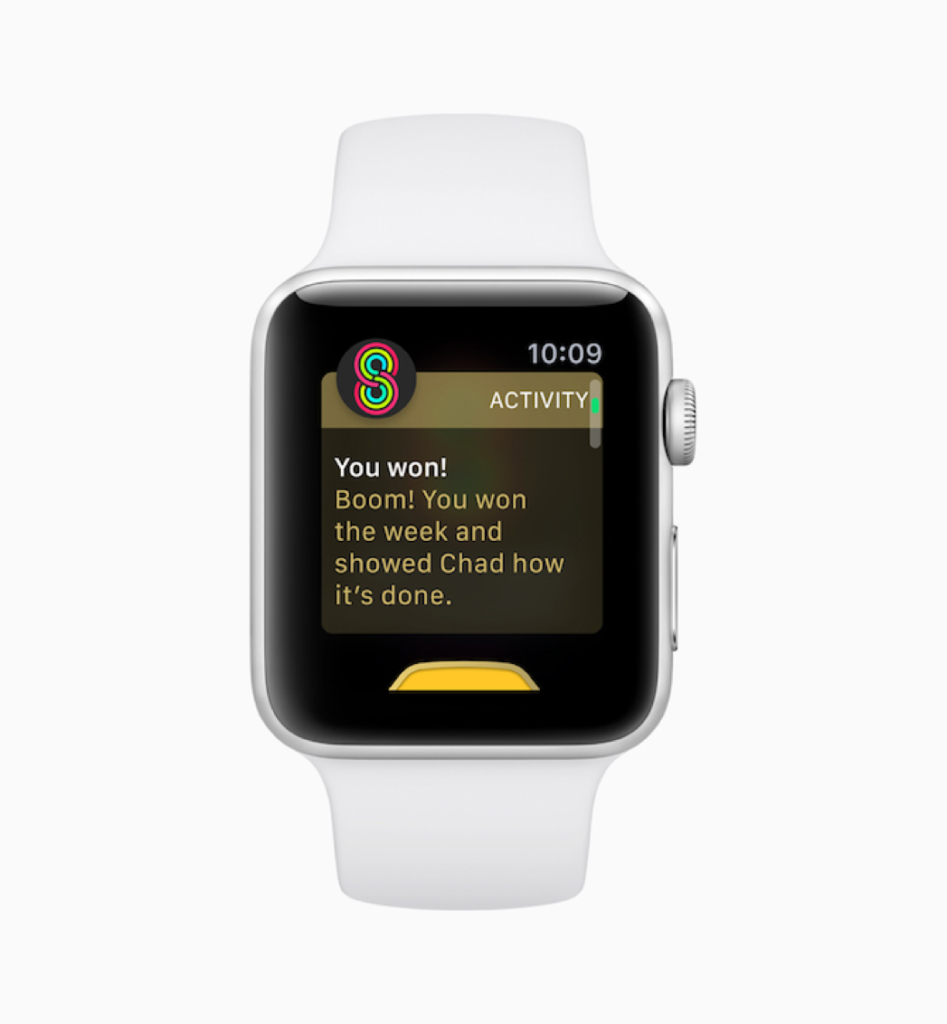
It’s fun!
The previous version of watchOS was all about fitness, which Apple seemed to take very seriously. Now Apple has decided to make your physical activity more competitive and fun, allowing you to compare your calorie-burning stats with those of your friends and colleagues. Sounds simple, but it’s a very powerful motivator.
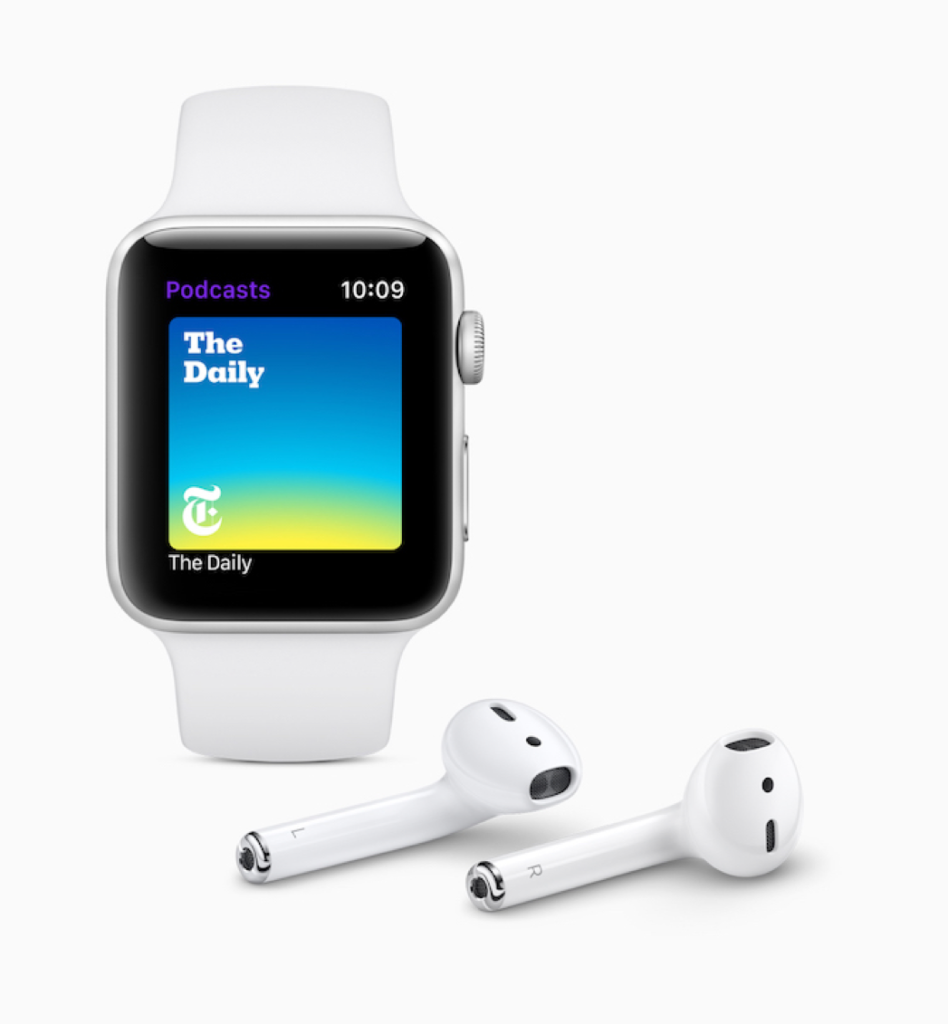
Podcasts
Now you can listen to podcasts on your smart watch! This is a very welcome and long-awaited addition as you no longer need your phone to listen to podcasts. Simply connect your cordless earphones or speaker to your watch and enjoy your favourite shows. You don’t even need to keep your iPhone close at hand. Instead, you can download or stream episodes directly onto your watch. Once you’ve listened to a downloaded episode, it will be deleted from your watch memory.
Your listening progress will automatically sync across all of your devices, so that you can pause an episode on your watch and then resume listening to it on your iPhone.
Siri and Shortcuts
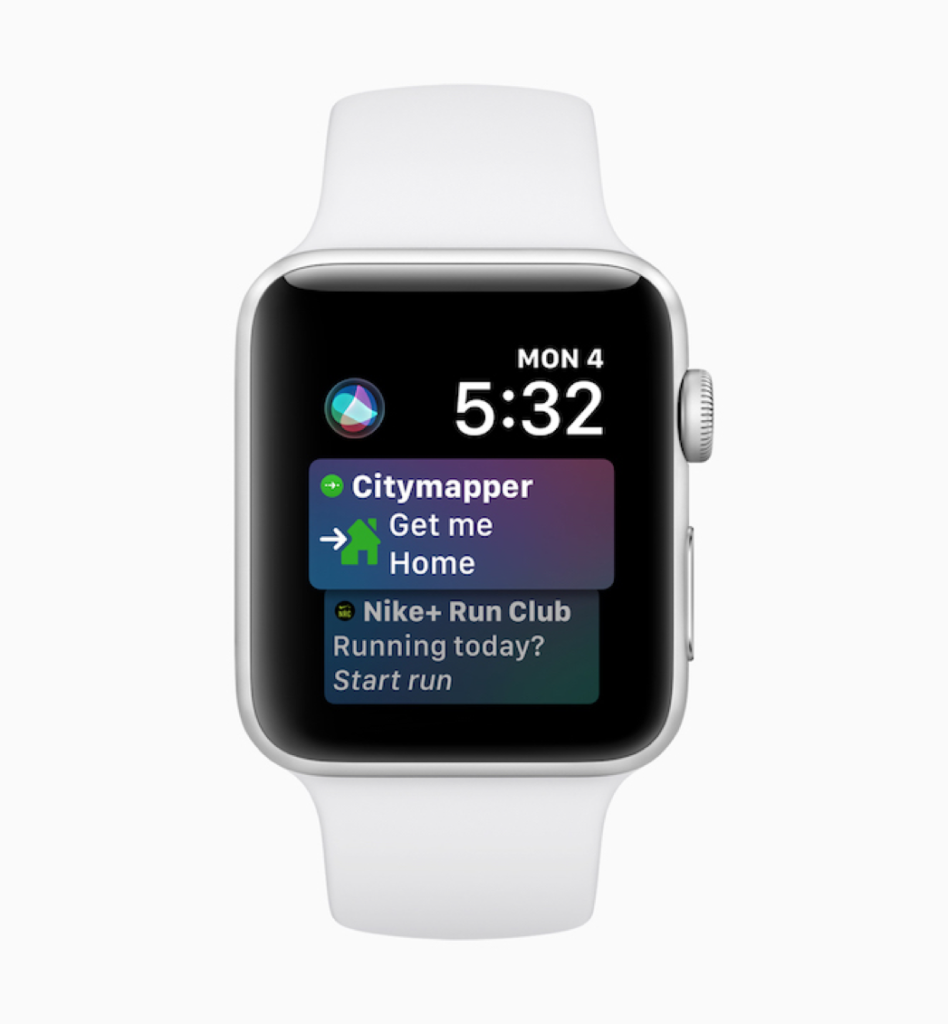
Apple’s voice assistant closely monitors all our actions and tries to predict what we’ll want to do next. For example, it can start playing a particular track when you’re in the gym, or it may send a pre-defined message to your near and dear when you head home after work.
You no longer need to say “Hey, Siri!” to invoke the assistant, which many people might find embarrassing. Now Siri will be ready to accept your commands when you simply raise your hand. Just raise your wrist and speak your command, and Siri will act accordingly. You need Apple Watch Series 3 or 4 to use this feature.
Grouped notifications
Like iOS 12, your watch now groups notifications based on their originating apps, so that you don’t have to scroll through long lists of alerts. Additionally, you can easily delete all notifications from a particular app with one tap.
Automatic workout detection
You watch will detect your movement, e.g. when start jogging, and will automatically keep tabs on your physical activity.
Overnight updates
Your Apple Watch will now download updates over night, while it is recharging.
Wear OS Tips: What’s New in Wear OS 2.1
Many vendors offer smart watches based on Wear OS from Google. There are models to suit every taste, ranging from minimalist and stylish timepieces to ornate and feature-heavy chronographs. A short while ago, Google released a major Wear OS update. Read our brief review below and decide for yourself if you need this update. If you don’t yet own a Wear OS-powered watch, we hope this rundown will help you decide if you want one or not.
New notifications
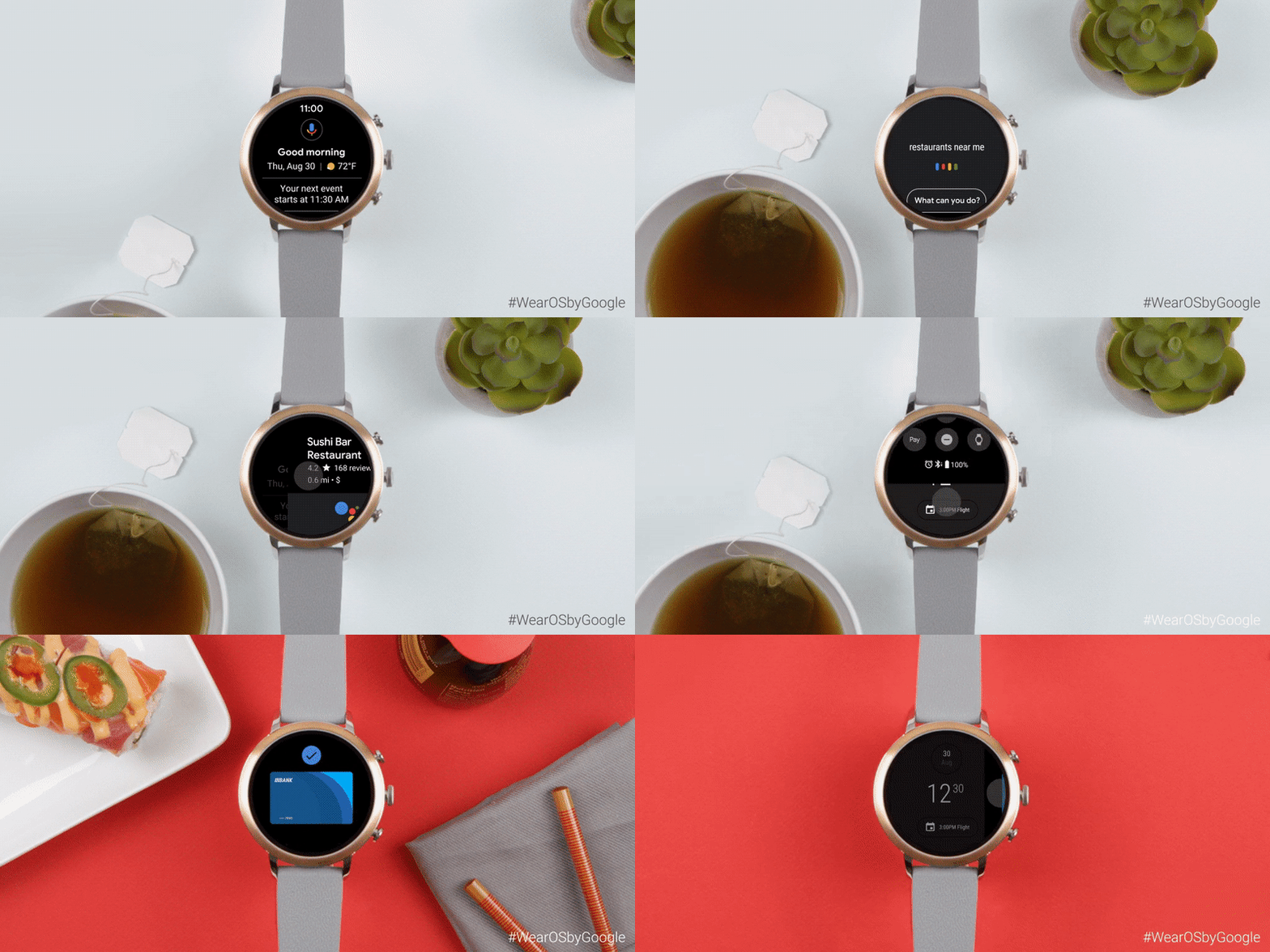
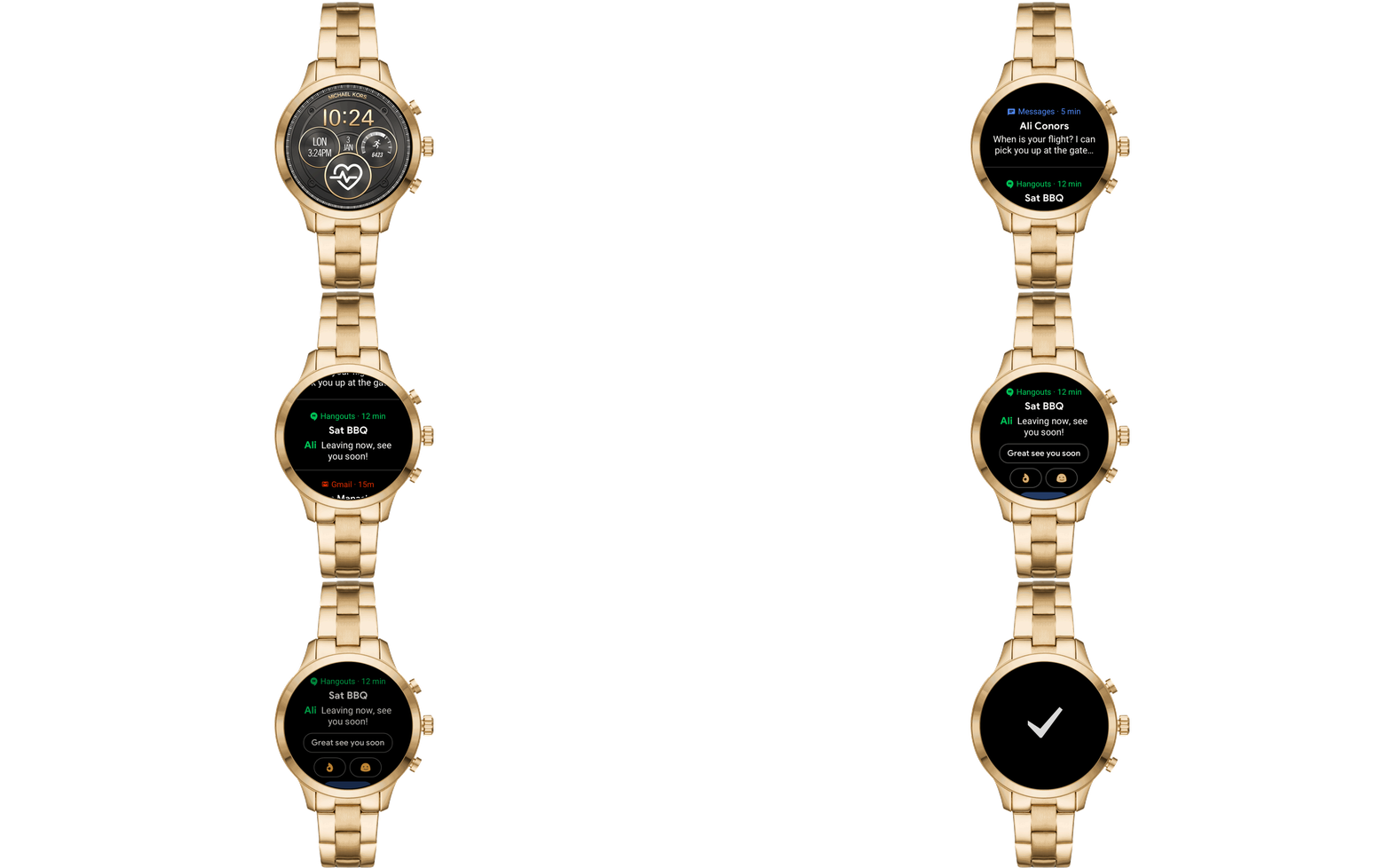
To open notifications, simply swipe upwards on the main screen. The new Smart Replies feature will analyze the text of your incoming messages and suggest fitting replies, which can be sent with just one tap.
Quick Settings
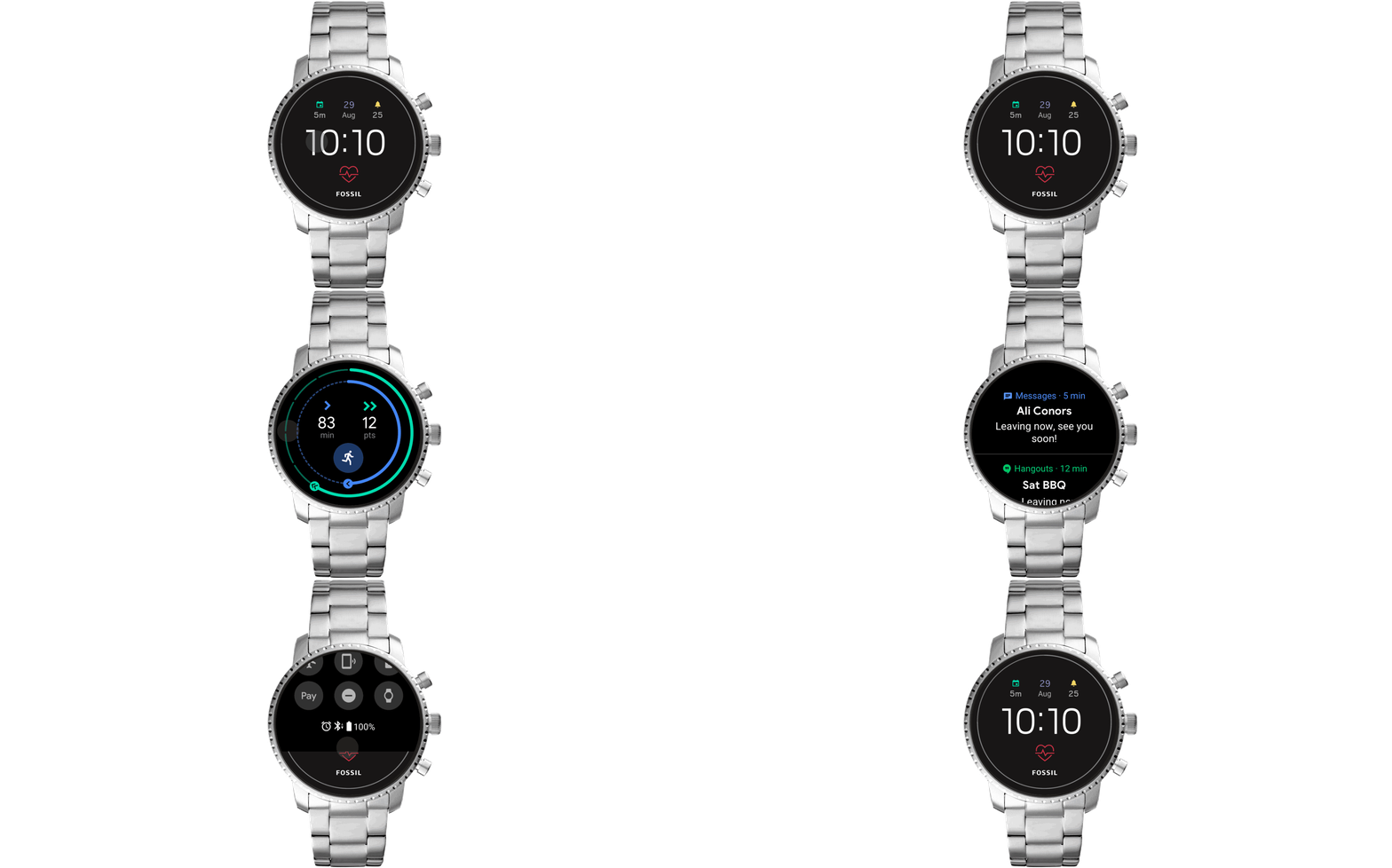
Swiping down will open the updated Quick Settings menu, where you can manage your wireless connections, enable the “Do not disturb” and battery saving modes, or activate the Google Pay and Find My Phone features.
Keeping Yourself in Shape with Google
The Google Fit activity tracker has an additional screen with smart tips and circular charts showing your activity time and cardio points.

Improved Google Assistant
The voice assistant has become smarter and more functional. Now you need to swipe left to right to call up the assistant. In additional to the functionality available in the previous versions, you can now check your flight status, hotel reservations, and the weather at your destination. The assistant can also display the restaurants in the vicinity of your hotel and will even keep a diary for you!
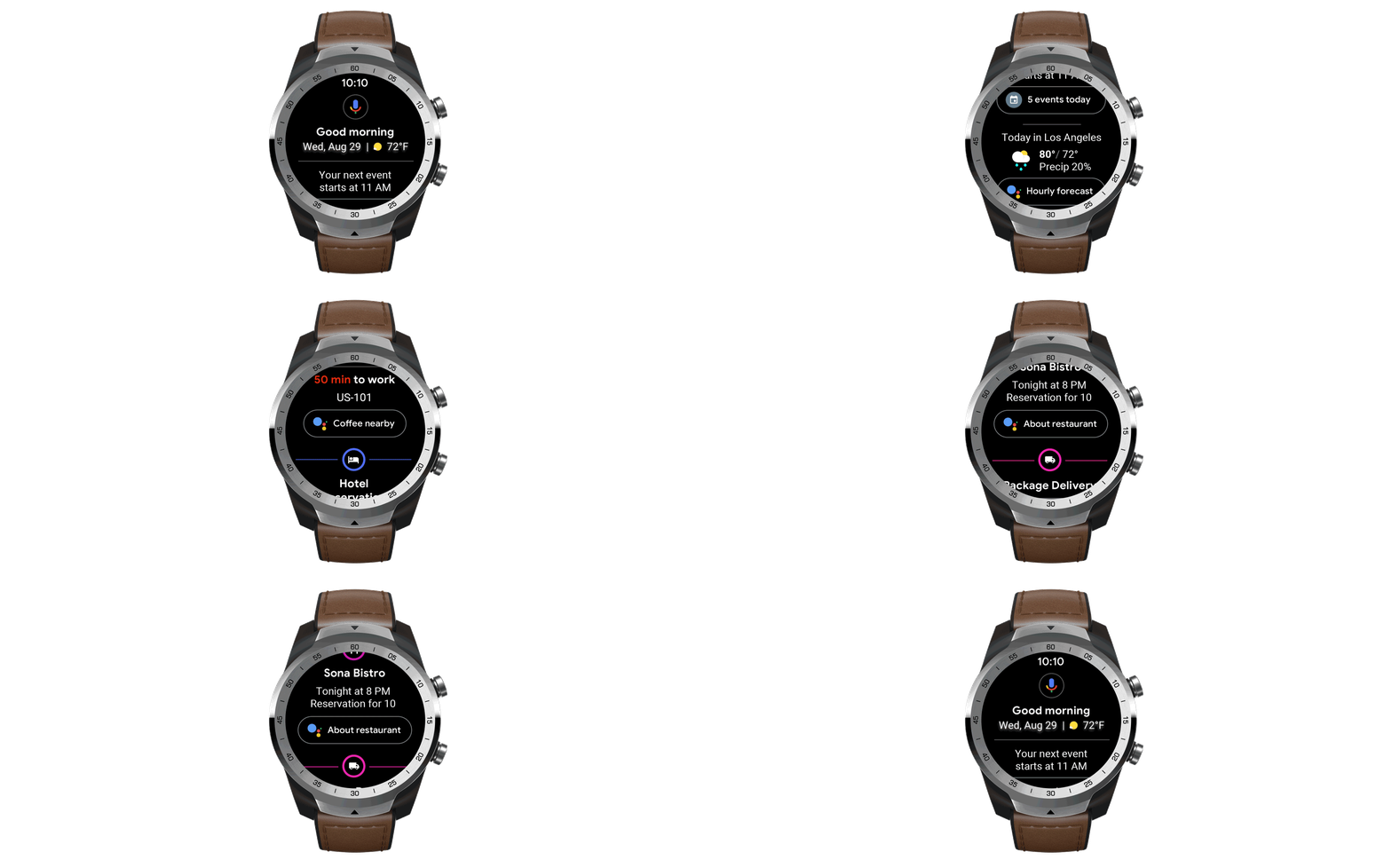
In our opinion, the new update has definitely been worth the wait. The OS has become much easier to use, not least because of the new gestures it supports.
ABBYY Tip: 60 FPS in Business Card Reader for iOS
We are pleased to inform you that Business Card Reader now uses the full potential of your iPhone camera. The app now supports videos shot at 60 frames per second!
To make sure you get the idea, remember how you made "cartoons" in your notepad. A drawn character changed position a little on every following page. Scroll them and the magic happens – your character is moving! If you scroll as fast as you can the movements of a picture will be smooth, if you do it slowly – animation won't be realitic and sharp. Well, that's the frame rate – the number of frames changing during one second.
Now camera in Business Card Reader scrolls 60 pages of a notepad frames per second resulting in smoother images and improved data capture.
Update or download Business Card Reader and see how crisp and sharp your texts now look.
App of the Week: Blinkist
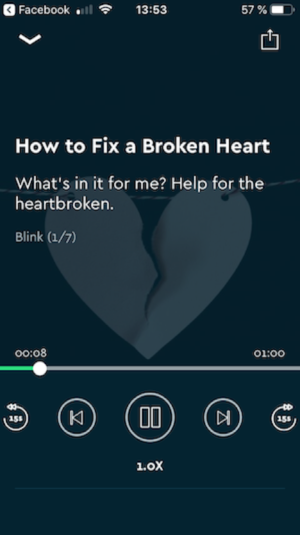
There’s often just not enough time for reading, especially if the book is long and requires complete and sustained concentration. In the hustle and bustle of modern city life, many of us prefer digested versions of large works, provided, of course, that no essential information is lost along the way. Meet Blinkist: Read More Nonfiction, an app that includes over 2,500 of the best titles from all over the world, each requiring no more than 15 minutes to read. Additionally, all titles are available both in text and audio, and you can easily switch between the two versions.
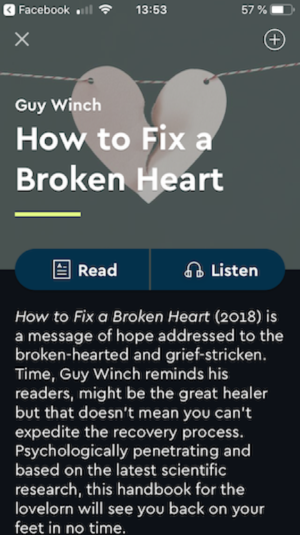
Each book is carefully abbreviated by Blinkist editors. Complex ideas are explained in simple terms, so that you can listen while working out, having lunch, or driving to or from work.
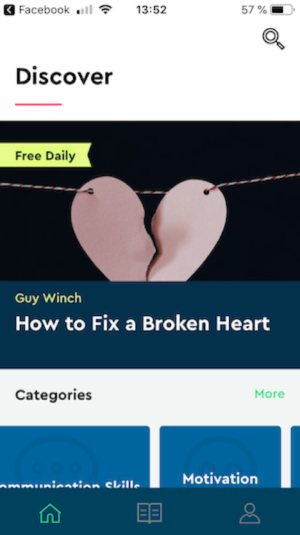
The app will suggest a reading list based on your past choices. You can create your own playlists and listen to or read books even when you are offline.
First-Hand Experience: Advice From a Colleague
By Ksenia Zhilkina, Junior Project Manager

Some tips to make Mondays great
Many of us do not feel our very best waking up after an action-packed weekend. So is there a way to make our Mondays more enjoyable?
- Start your day with a nutritious breakfast and don’t be shy to experiment. Ginger tea or creamy cupcakes from the baker’s next door—anything goes to keep you happy at the start of a busy week.
- Do some planning in advance. Draw up a list of things you need to do in the morning to avoid scrambling around trying to find things you need for the day. Say a resounding “No!” to unplanned situations that require ad hoc, on-the-spot choices.
- Create and nurture traditional morning routines, like browsing your preferred news website, reading some pages from a book, or listening to the latest tracks of your favourite artists while you are stuck in traffic.
- Organize your workspace so that everything you need is close to hand and you feel comfortable at your desk. To keep yourself inspired, print out some quotes from your icons and heroes. Install a small fish bowl somewhere near your desk so that now and then you can divert your gaze from the screen and turn your mind off from work for a couple of minutes.
- And of course, don’t forget that a short break for tea with your colleagues is always a good idea, especially on a Monday.
That’s all for today! Until next Monday!
P.S. You can find the previous issue of this newsletter here.
Subscribe for blog updates
Loading...
- Automated Claims Processing in Insurance: 2026 Complete Guide
- Ascend 2025.2: Get Ready for Clarity in Motion
- ABBYY and IBM watsonx.ai Orchestrate Transform KYC Automation at Scale
Tag a friend