May 07, 2018

Speed and comfort are the most important requirements for working on a mobile device. This time we’re going to talk about how to add widgets onto your home screens, how to send documents via iMessage and how to overcome fear.
We all love widgets, those little applets that conveniently sit on the home screen and give us access to many useful features of the bigger apps without the need to open them. On iOS devices, widgets are displayed in the Today View, which you can open by swiping right over the Home screen, the Lock screen, or the Notification Centre. To add a widget to the Today View:
Here’s how the FineScanner widget looks like when it shows the latest document that you opened in the main app: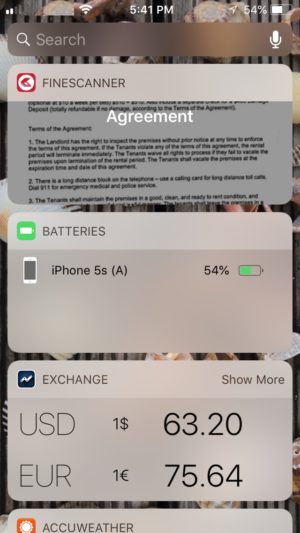
Click here if you want to learn more. Enjoy your widgets!
Naturally, there are widgets for Android apps as well, and in certain respects, they are more flexible than iOS widgets — you can easily add them onto any of the multiple home screens available in Android, and they come in all shapes and sizes. In the instructions that follow, we use the clock widget as an example:
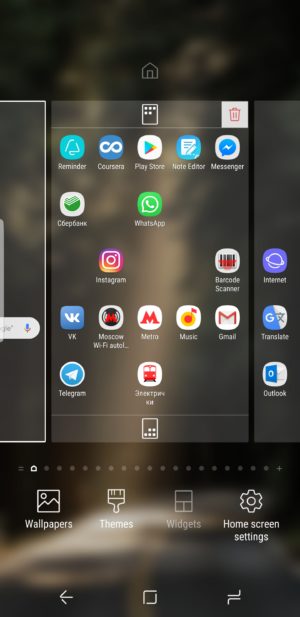
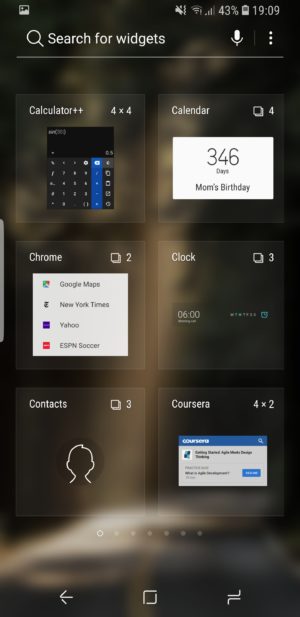
Depending on the version of your OS, the selected widget will be placed into the available free space or you will need to long-tap it and drag it to the desired location.
Moving and removing widgets:
Some apps may prompt you to configure additional settings for the widget. If there’s nothing to configure, the widget will be immediately added to the home screen.
Enjoy!
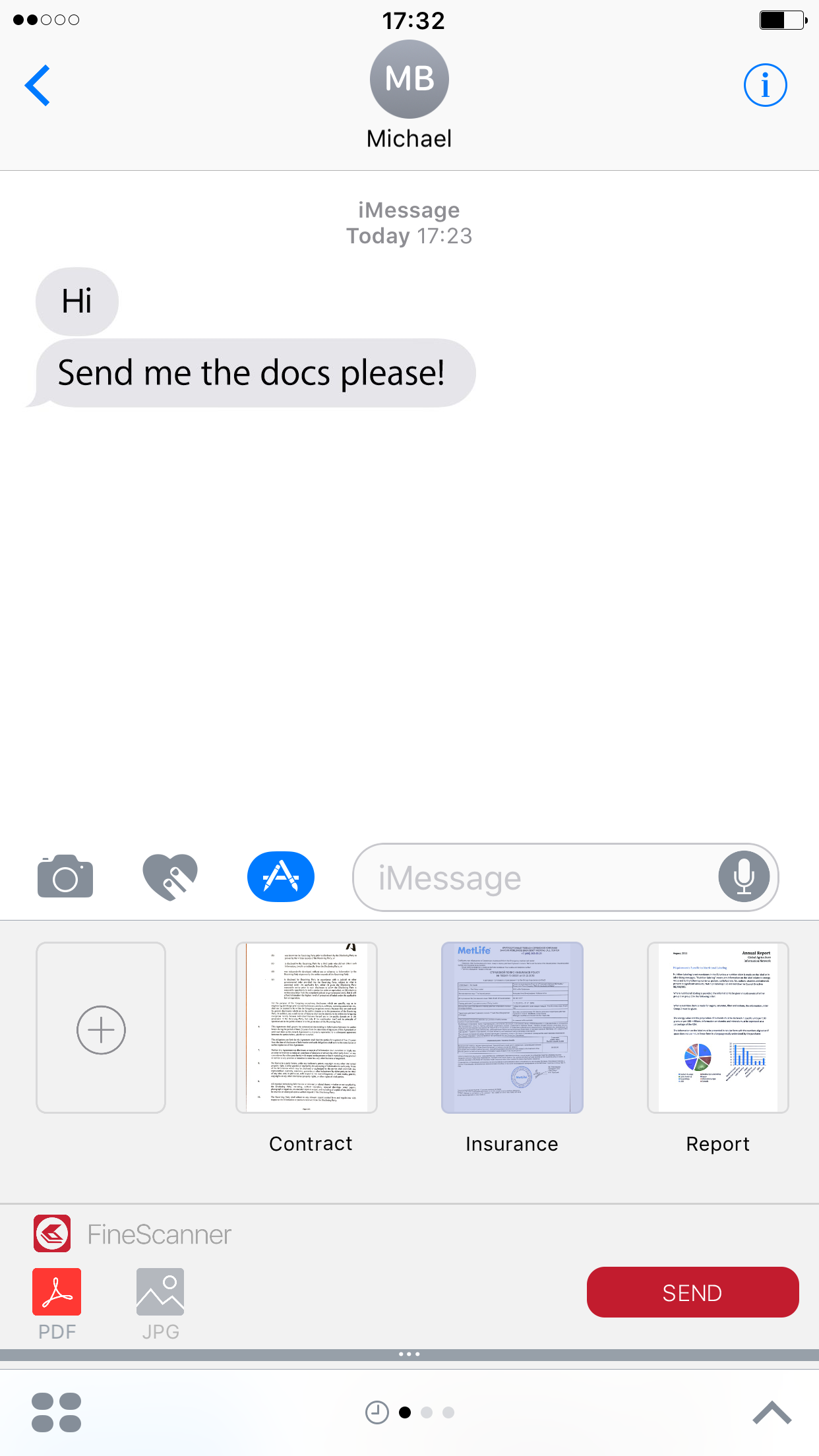
Suppose you need to send a picture of your ID card somewhere or a document scan to a colleague. There are many ways to do this and one of them is by using iMessage. When you open it for the very first time, you will have a little configuring to do:
Now if you want to send a scan using iMessage:
Trello is one of the most widely used online collaboration tools. It helps you organize and manage your project using the popular Japanese kanban boards.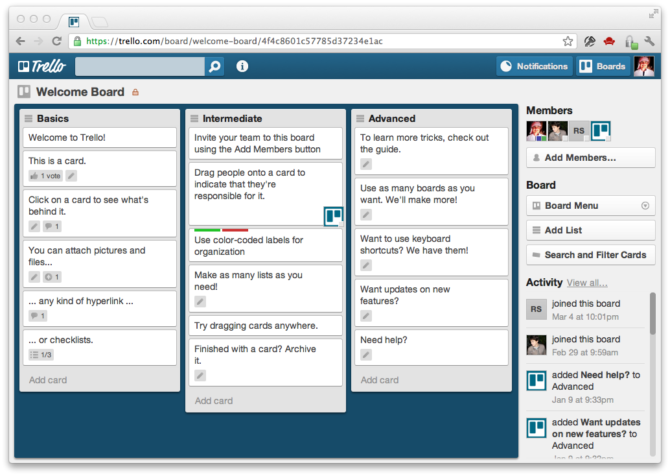
In Trello, you manage your tasks by arranging cards of various classes on a board. Typically, tasks are classified into:
Trello’s flexibility and versatility have made it one of the most convenient collaboration tools for small teams. If your company is well structured, a team of around 50 can effectively use Trello as their main collaboration tool.
By Olga Pavlinova, Head of Event Group
Almost every self-help and self-improvement book will include this piece of advice: “Always try something new.” Today, I have some tips for those who are after new experiences and are looking into where to find them.
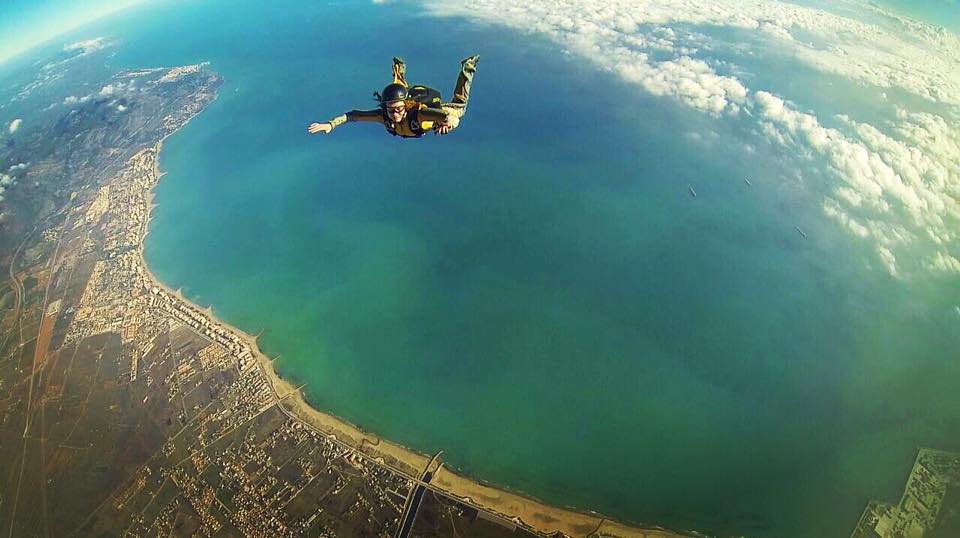
If you are seeking new thrills, why not take to the skies? The skydiving season is just around the corner, and that means that you can finally take the plunge and do a parachute jump from 4,000 meters. How’s that for something new?
Here’s a small FAQ for all those who have long wanted to skydive but were too afraid to ask.
Yes. You will be equipped with a very heavy backpack with a D6 parachute inside. Then you will be literally thrown out of a plane at 800 meters. You will surely get an adrenaline rush but everything will happen so quickly that you won’t have time to get scared. The chute will unfold three seconds into the jump and in just two minutes you will standing on the firm ground. Better try a tandem jump. Then you will enjoy 60 seconds of free fall and the true excitement of flying through the air. However, you will be strapped to a skydiving instructor, who will release the parachute for both of you and take care of all the other technical aspects to ensure a safe landing.
Yes, it’s always important to understand the risks. Today’s high-tech equipment, reserve chutes, and special safety technology mean that risks are kept to a minimum. Skydiving risks are comparable to those associated with driving a car.
There are three main airfields outside Moscow: Kolomna, Pushchino, and Slobodka. But I myself prefer Krutitsy, even though it takes me a little bit longer to get there than to any of the other three. There they have an excellent new DZ (that’s skydivers’ textspeak for ‘drop zone’), beautiful small planes, top-class instructors, and the facilities to celebrate your first jump—a restaurant, guest houses, and cheerful company. They even have a vertical wind tunnel, an important piece of technology for those rookie jumpers who would like to first experience a free fall on the ground before going up in a plane.
Believe me, it’s worth it. Fear is all in the mind. If you don’t believe me, ask Will Smith.
That’s all from us for today. Have a great week and see you next Monday!
P.S. You can find our previous newsletter here.
