Back to ABBYY Blog
Universal Clipboard, Documents at Hand, Indoor Cycling
September 10, 2018
September 10, 2018
Today we want to be able to switch between our devices while working. If you are one of those who regularly e-mail texts to yourself, read on. We’re going to reveal a much faster method of sharing files between gadgets.
The Apple ecosystem is so integrated that sometimes you feel as if you’re using the same device in slightly different guises.
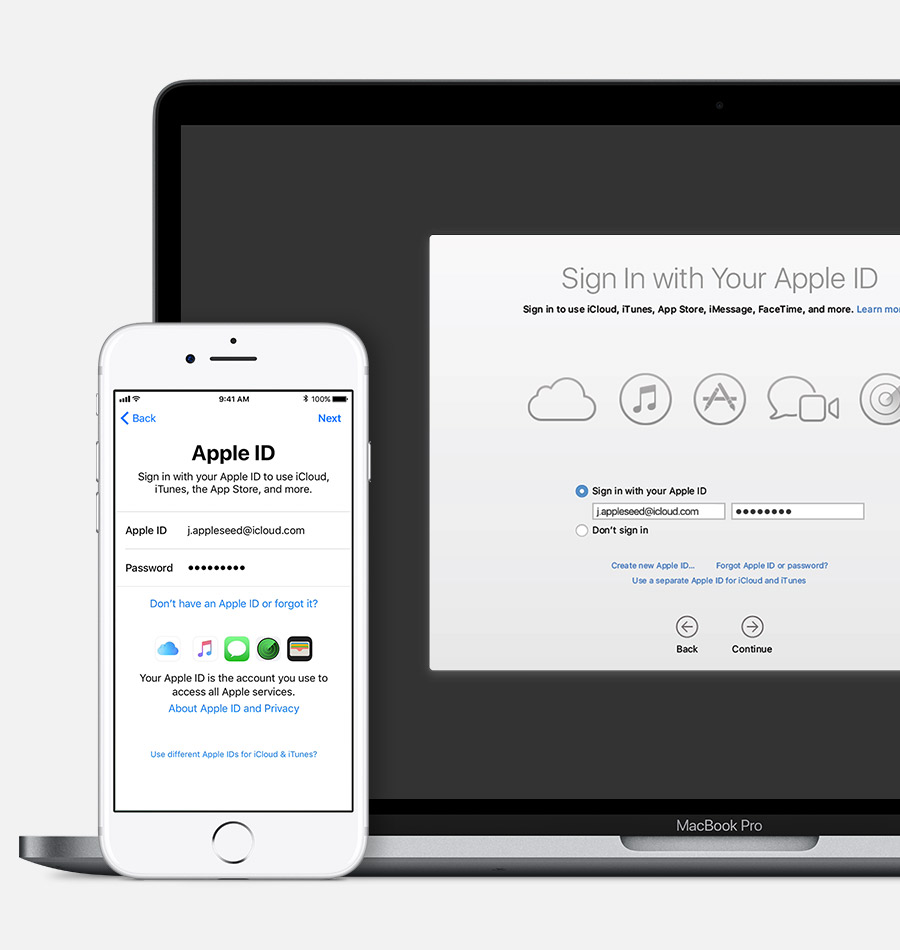
To make this magic happen, you need to perform a few small steps:
Now you can use Apple’s Universal Clipboard to copy and paste text, images, and other content between your iPhone, iPad, iPod or Mac.
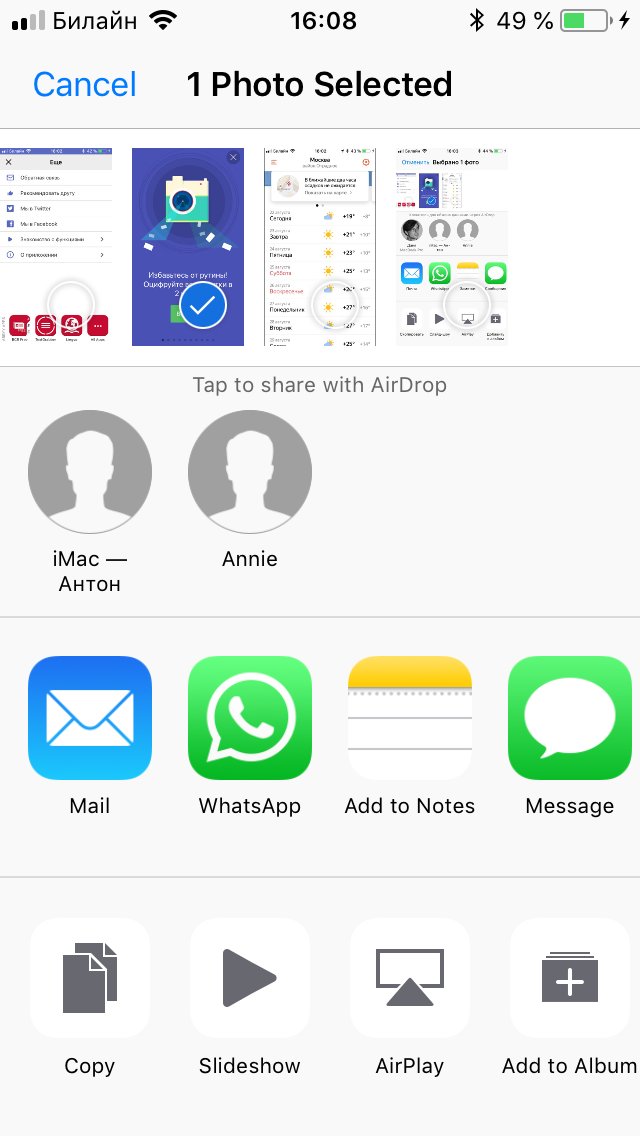
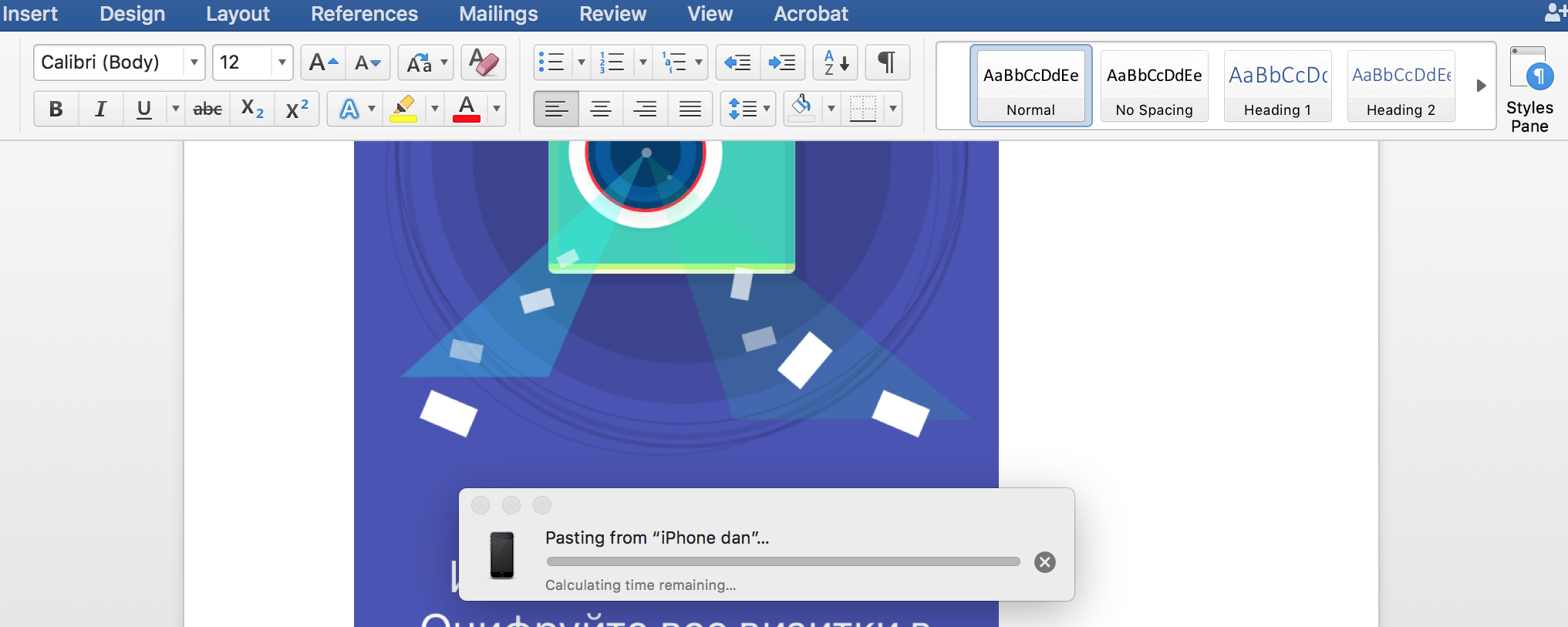
Unlike Apple, Android device manufacturers do not offer a built-in clipboard to exchange data with other platforms. But you can use a cloud storage service to copy and paste data from your Android to your Windows or Mac computer and back.
ALT-C is a piece of software (several pieces, in fact) that helps you do just that. To use ALT-C:
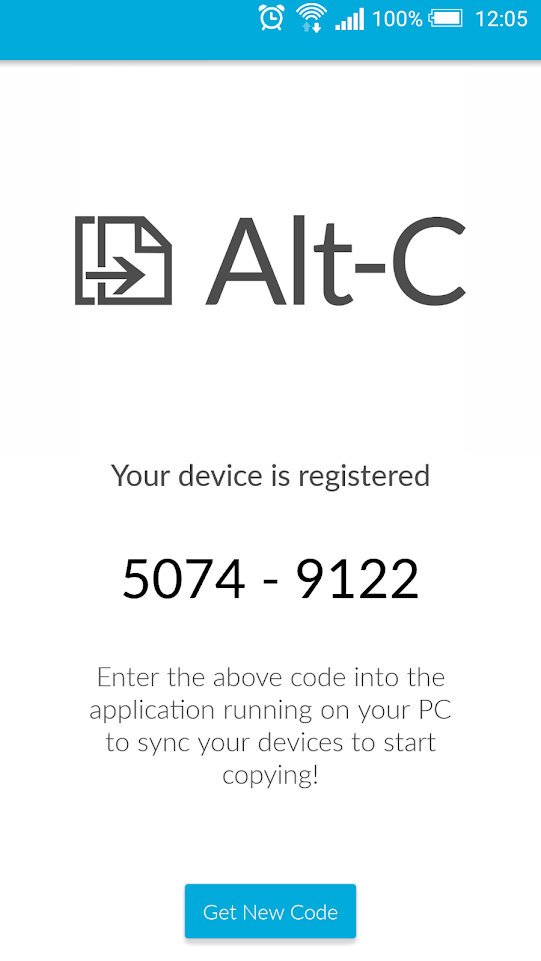
That’s it! Now you can copy and paste text between the two devices. The app will also store up to 50 recently copied items.
Sometimes you may be asked to provide a scan of our ID papers, or you may need to check your payment details against your actual credit to make an online purchase. You no longer need to rummage around your bag looking for your passport, then take out your phone, and struggle to make a snapshot that will do for a legible scan.
ABBYY FineScanner makes it a lot easier to create scans of your documents. Possible situations are numerous. You may need a scan of your driving license, your SSN card, your tax registration certificate, or some other document required when interacting with public authorities or doing business. Once you have decided what scans you may be asked to produce, simply take snapshots of the respective documents with ABBYY FineScanner, so that you will always have them stored in your phone.
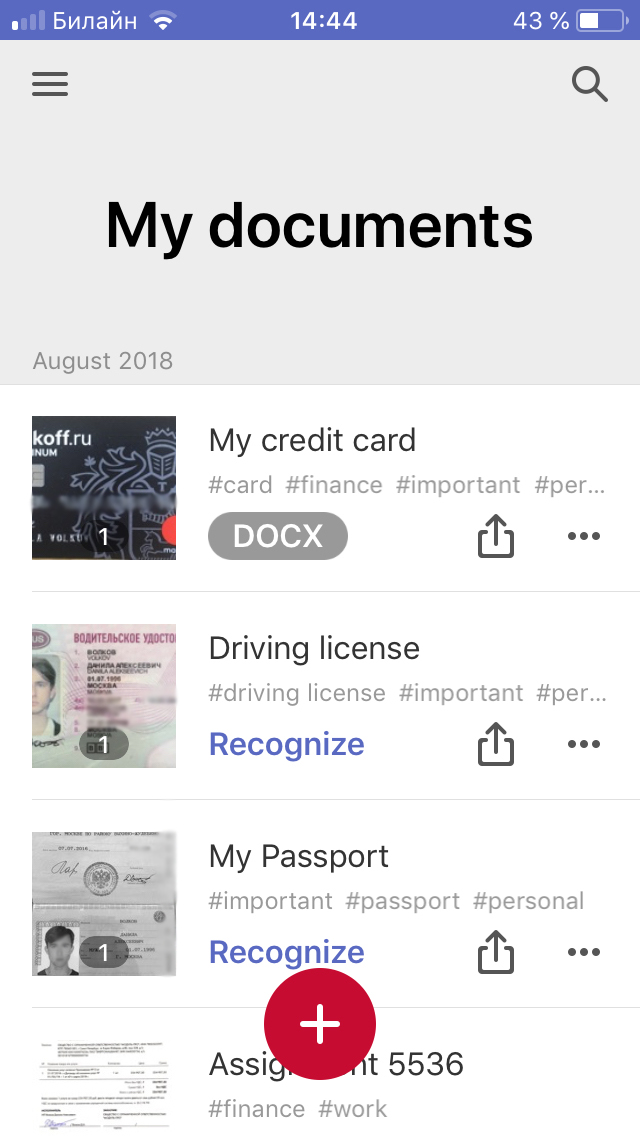
Don’t forget to supply your scans with tags to make them easier to find. Simply tap the ellipsis icon next to the document and select Properties.
FineScanner allows you to e-mail scans, upload them to a cloud storage service, or print them off. Any of the above operations are accessible by clicking the “share” icon that appears next to each document.
If you already have good-quality document scans, you can import them into FineScanner. iPad users can drag-and-drop scans onto their device. Read this ABBYY Tip to find out more about importing content into FineScanner. There you will also learn how to remove excess background or convert your scans to PDF.
Now and then we all need to clear our minds of the worries and thoughts created by the hustle and bustle of city life. Unsurprisingly, there’s an app for that and it’s called Insight Timer.
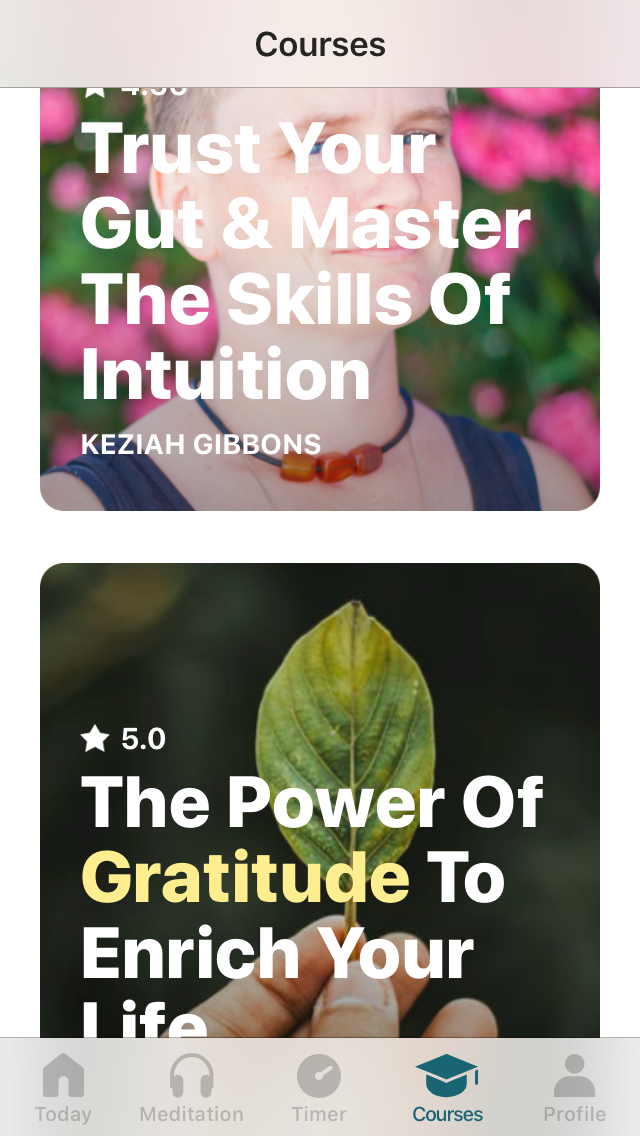
It’s a no-frills app that does exactly what it says on the tin. The app is a collection of meditation, self-motivation, feeling-good, and similar courses developed by experts. The line-up of available courses is frequently updated. There’s one free course to give you an idea of what you can expect from the app.
The Timer tab is where you come into harmony with yourself and the surrounding world. Here you can choose audio tracks and visual backgrounds for your meditation and set the start and end times for your session. While meditating, you can listen to bird songs, the cracking of a fire, or the sound of the surf.
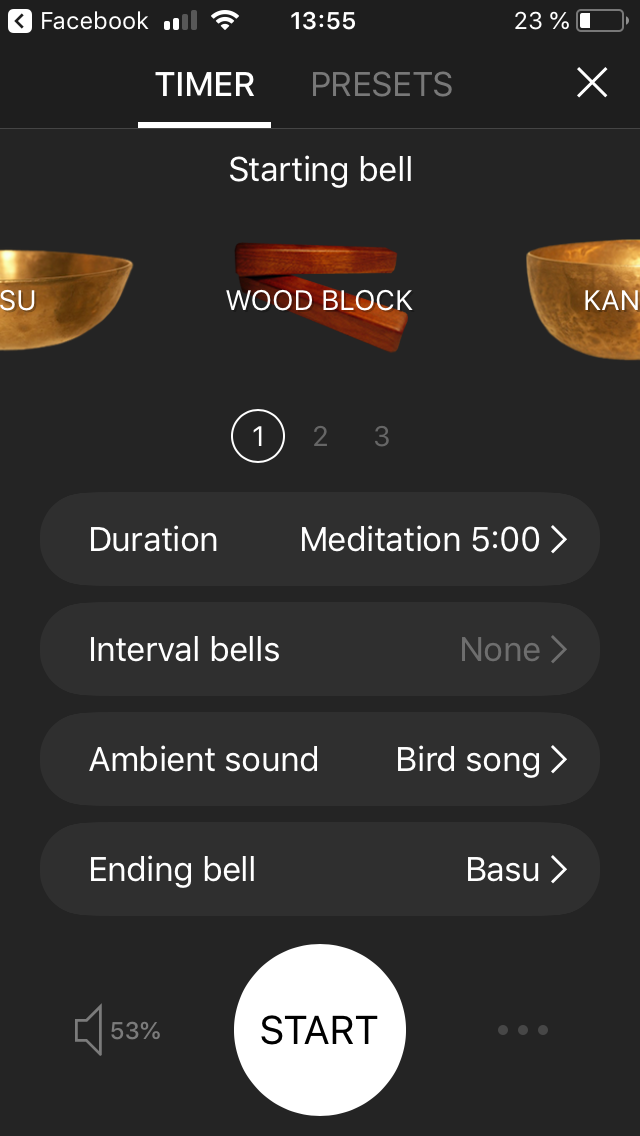
Besides meditation, you can choose yoga, walking, breathing, and even prayer. This setting is only used to log your statistics so that you know how much progress you’ve made and what type of relaxation you did.
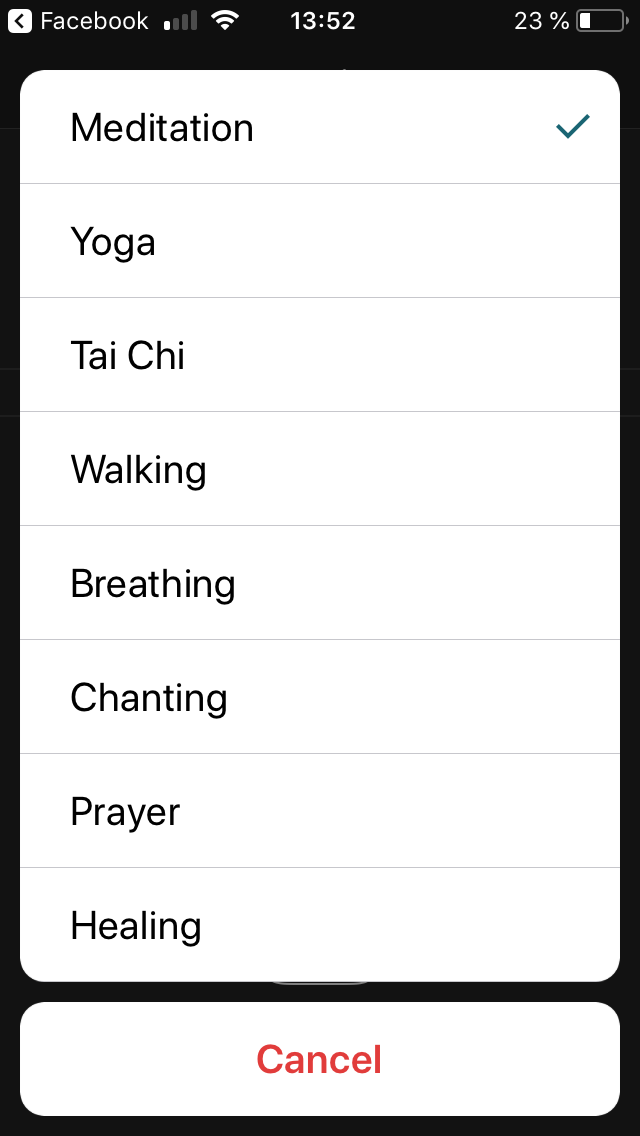
The app is available for iOS and Android.
Shared by Olga Titova, Product Owner, Mobile SDK

Only a year ago I couldn’t understand the purpose of a cycle studio. Why go somewhere after work to push pedals on a stationary bike in the company of three dozen office workers like myself? Last winter, however, a friend managed to talk me into trying indoor cycling and now I’m a regular spinner.
It turned out that it’s not just about pushing the pedals. There are also simulations of hill climbing and regular road riding interspersed with off-bike exercises with handweights and press-ups on the handlebars. All exercises are done to the beat of carefully selected dance tracks.
TBH, midway through my first workout, I was so knackered I felt like running out of the gym. The only thing that kept me there were the contraptions that firmly fix your feet on the pedals. So I wheeled on, got into the groove, and found my second breath.
Now I’m a huge fan and a proselytizer too. Here’s why:
That’s all from us for today. See you next Monday!
P.S. You can find the previous issue of our newsletter here.
